
December Adventure Log

December Adventure was started by Eli_oat at Oatmeal. I love seeing what others do this month - here is a log of logs.
This December, I plan to make a generative quilt, play with origami, doodle some mossy mandalas, set up next year's journal, and who knows what else. This post is the log where I will update and share my adventure.
Day-1
Pick a quilt
I have a jellyroll of 4-5 tones of fabric, which I hope to make a small quilt with. Using randomness and p5.js, I picked a quilt. There is both a random block generator and a random rotation pattern that I used to get this. I started the code last week and plan to clean it up to share over the month. There are a lot of features and options I'd like to add. My mom looked through the patterns with me, and we had fun looking at ones that sometimes seemed translucent, woven, or jittery.
Here is a snapshot:
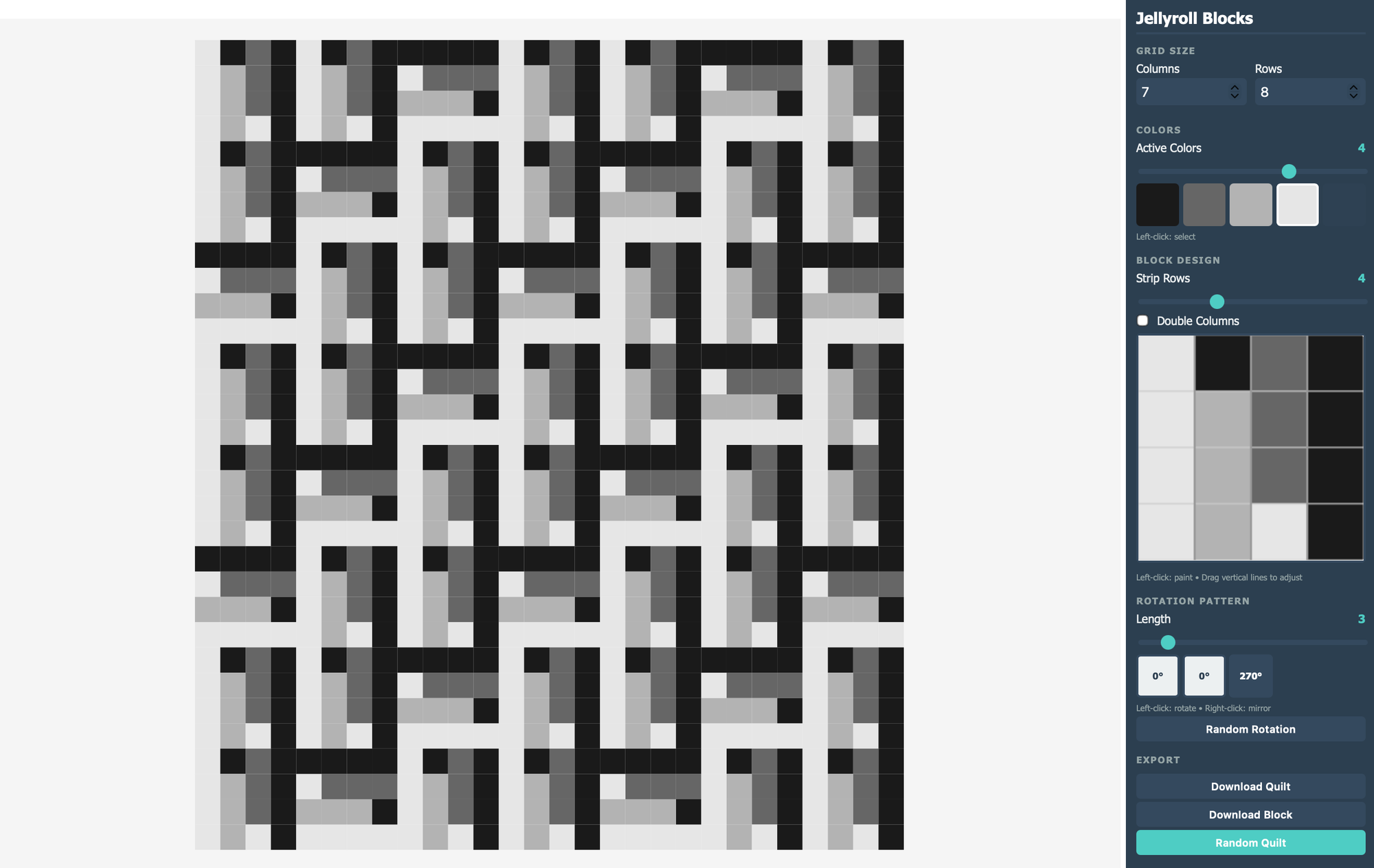
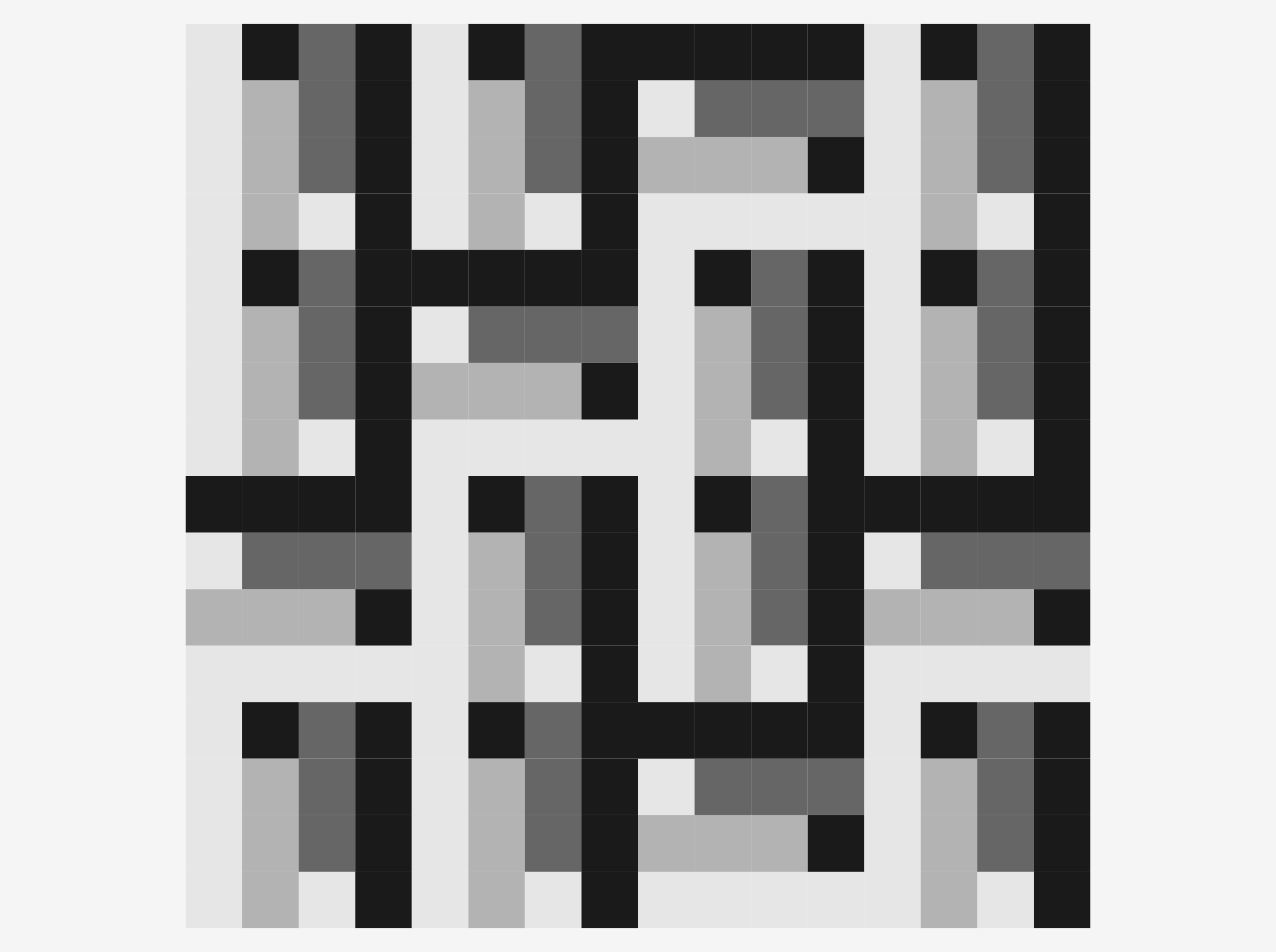
There is one block (and its reflection). The rotation pattern that wraps is 0 degrees, 0 degrees, then 270 degrees of the reflected block - so a 2:1 ratio of blocks.


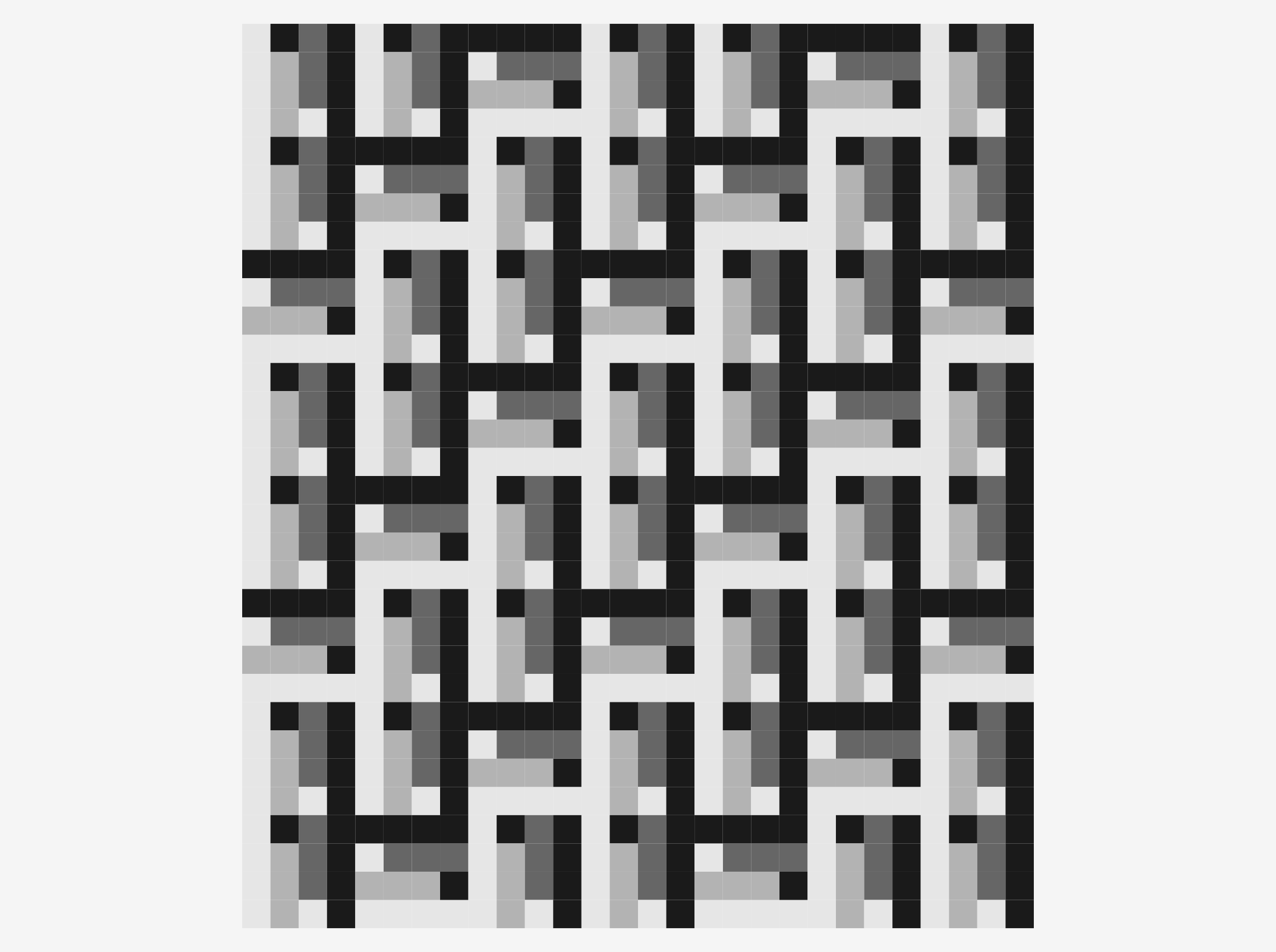
I am not sure how much fabric I have - because I haven't done the math yet, but I am happy with various sizes of the 0-0-270R pattern with these blocks. Here are some different sizes using that ratio/pattern.
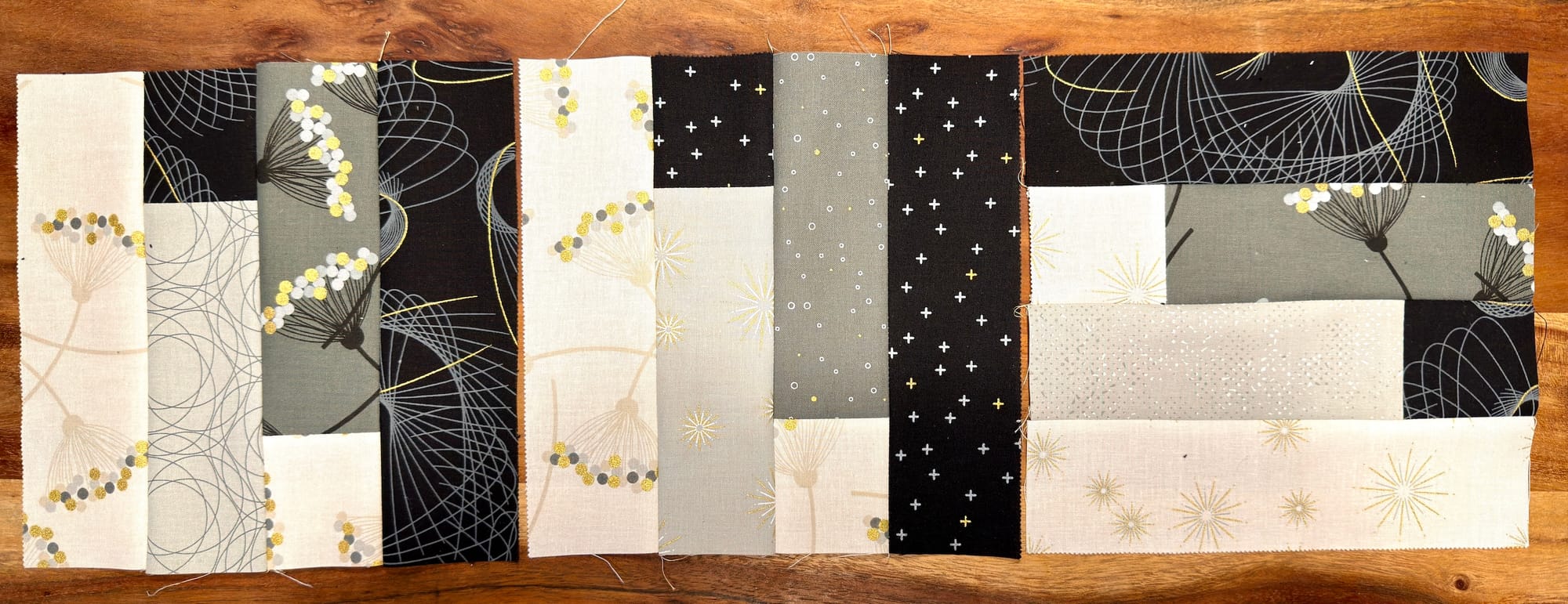
I made three blocks tonight:
Day-2
doodle-meditate + more blocks
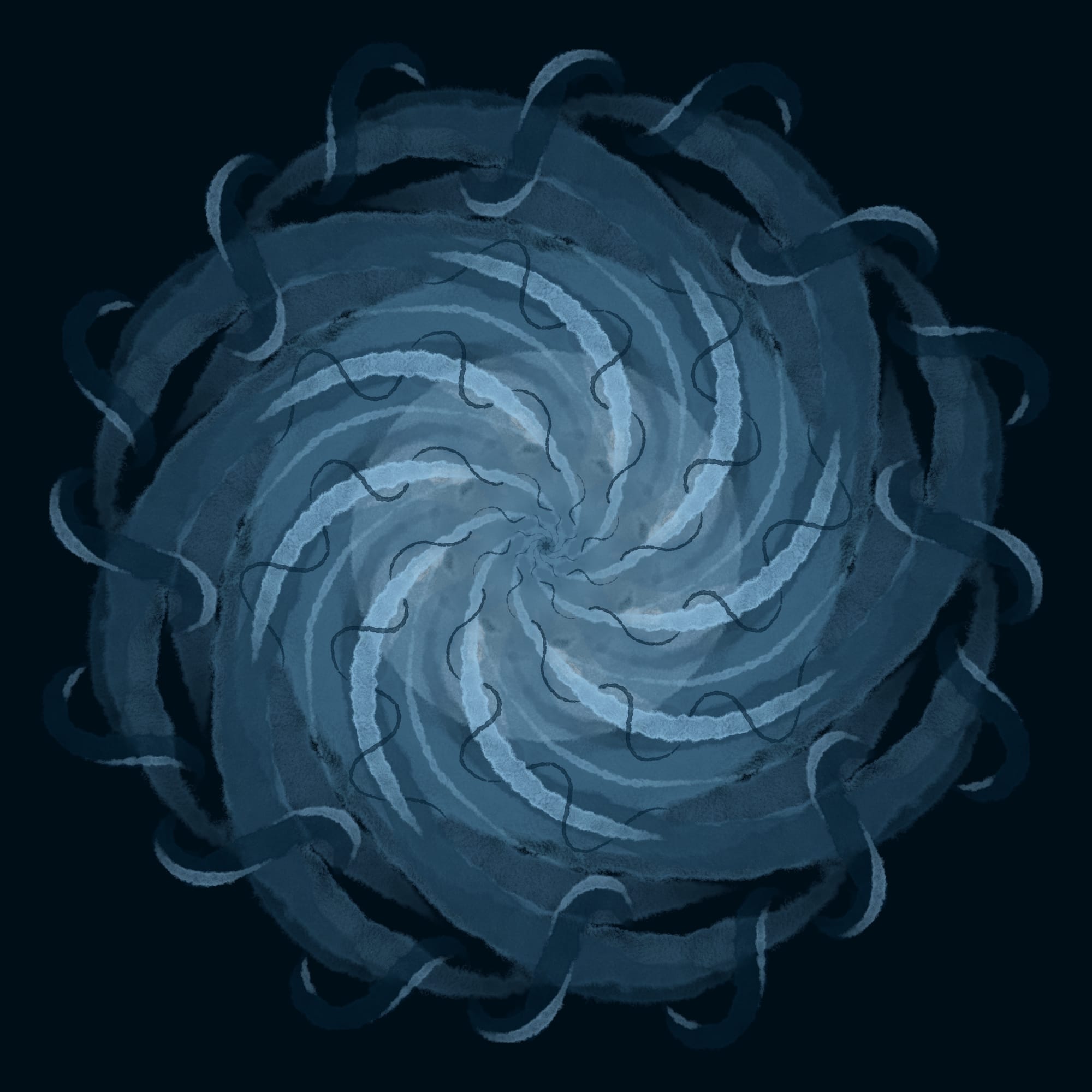
Today I doodle-meditated and quilted 6 more blocks.
Day-3
Svelte Skeleton
Today I couldn't get my sliders to work right, but got some of the skeleton together for a generative quilt site to share my toys. I plan to put the jellyroll blocks there along with the Hilbert Quilts, Aperiodic Hexagonal colourings, truchet, hex-a-quilts, and more.
I didn't sew any quilt blocks today after work, but have some cut.
Day-4
Jelly Blocks
Today I quilted 3 blocks while hanging with Recurse Center friends. I got more of the jellyroll site working and deployed a draft of it at https://www.genquilt.com.
Day-5
Fix more of the site
Today I fixed the pdf export to not have transparency on export.
Day-6
Run then potato mode
I ran 11miles and thought about the quilt, my journal, and a generative slide program (where the essence of your slide deck is the same, but the colors, font, and visuals are procedural. After my run, I became a potato.
Day-7
More blocks, more pages
Today I quilted quite a few blocks - I lost count at 12. I now have 7x4=28, and I cut enough for one more row to make a 7x5.
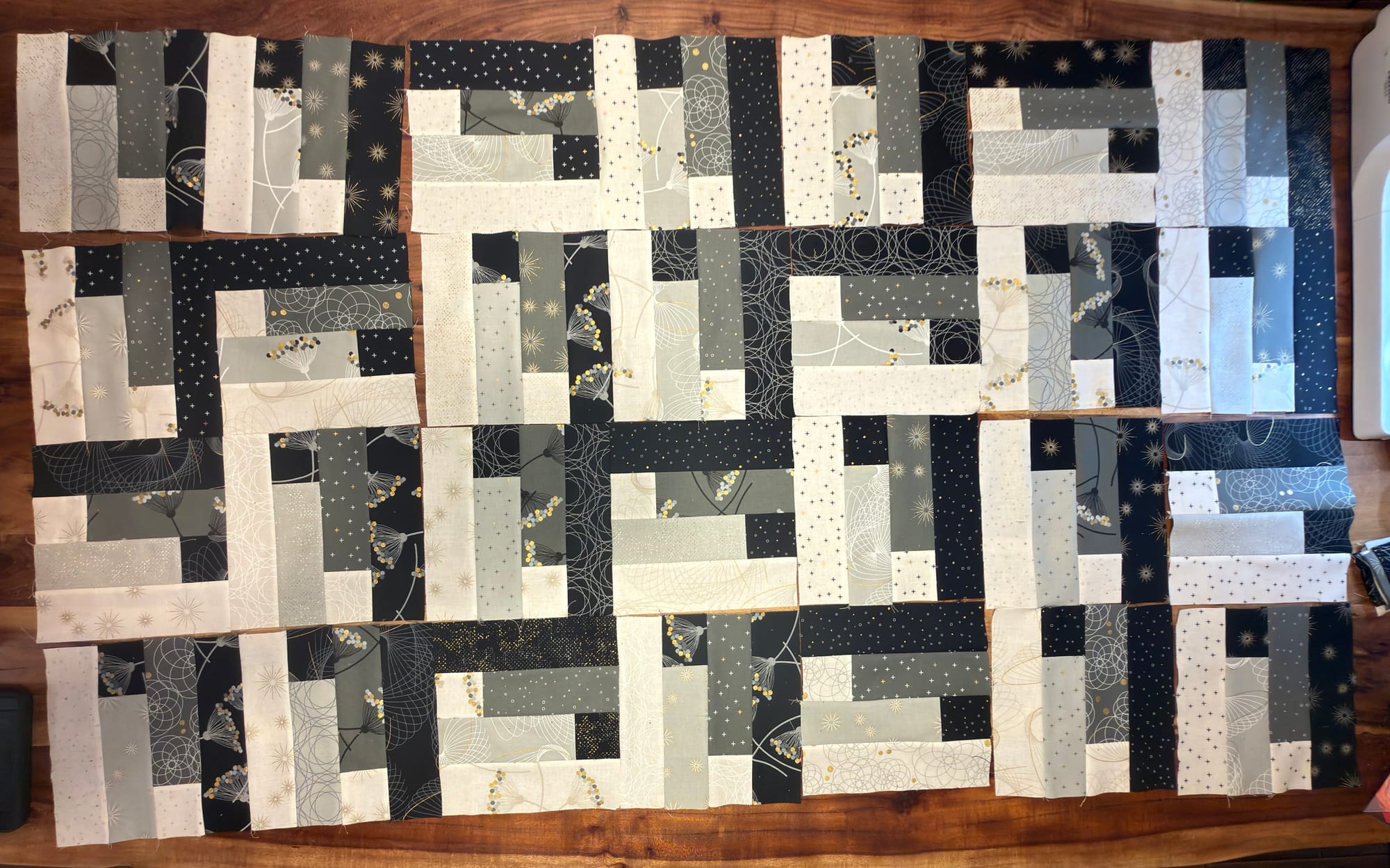
Some are sewn together in pairs - and this is a horrible shot, but it was dark, and it gives the gist of it.
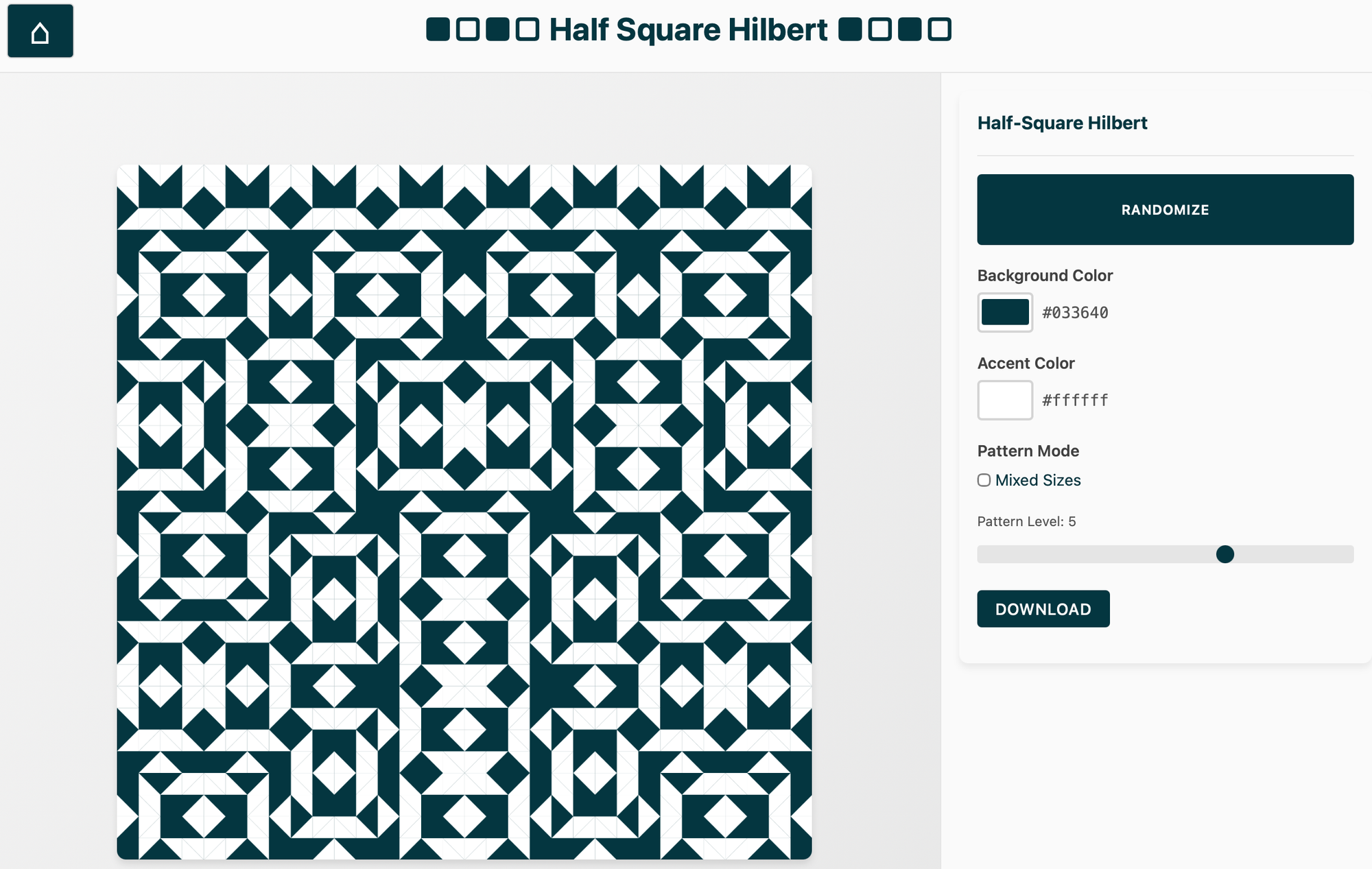
I also ported over the Half-Square Hilbert code from CodePen to the genquilt site and added a main page and some navigation. I am not fixed on the design, but will circle back to it later.
Day-8
mobile fixes
Worked on fixing the Hilbert quilt mobile view and download
Day-9
finished Hilbert page
Finished fixing the Hilbert quilt page. Helped with some Genuary site stuff.
Day-10
Tic-Tac-Toe
Played with tic-tac-toe code for a math session.
Day-11
Journal ideating
I played with what I really want for my experimental journal practice this coming year. I haven't settled on implementation, but I do know I am going back to daily Haiku.
Day-12
Make your own buttons
I made a prototype of a make-your-own buttons to use in math groups: https://inquiries.link/tools/number-theory/two-button-calculators
The default settings are meant to start thinking about the Collatz Conjecture. I hope to write up an activity soon.
Day-13
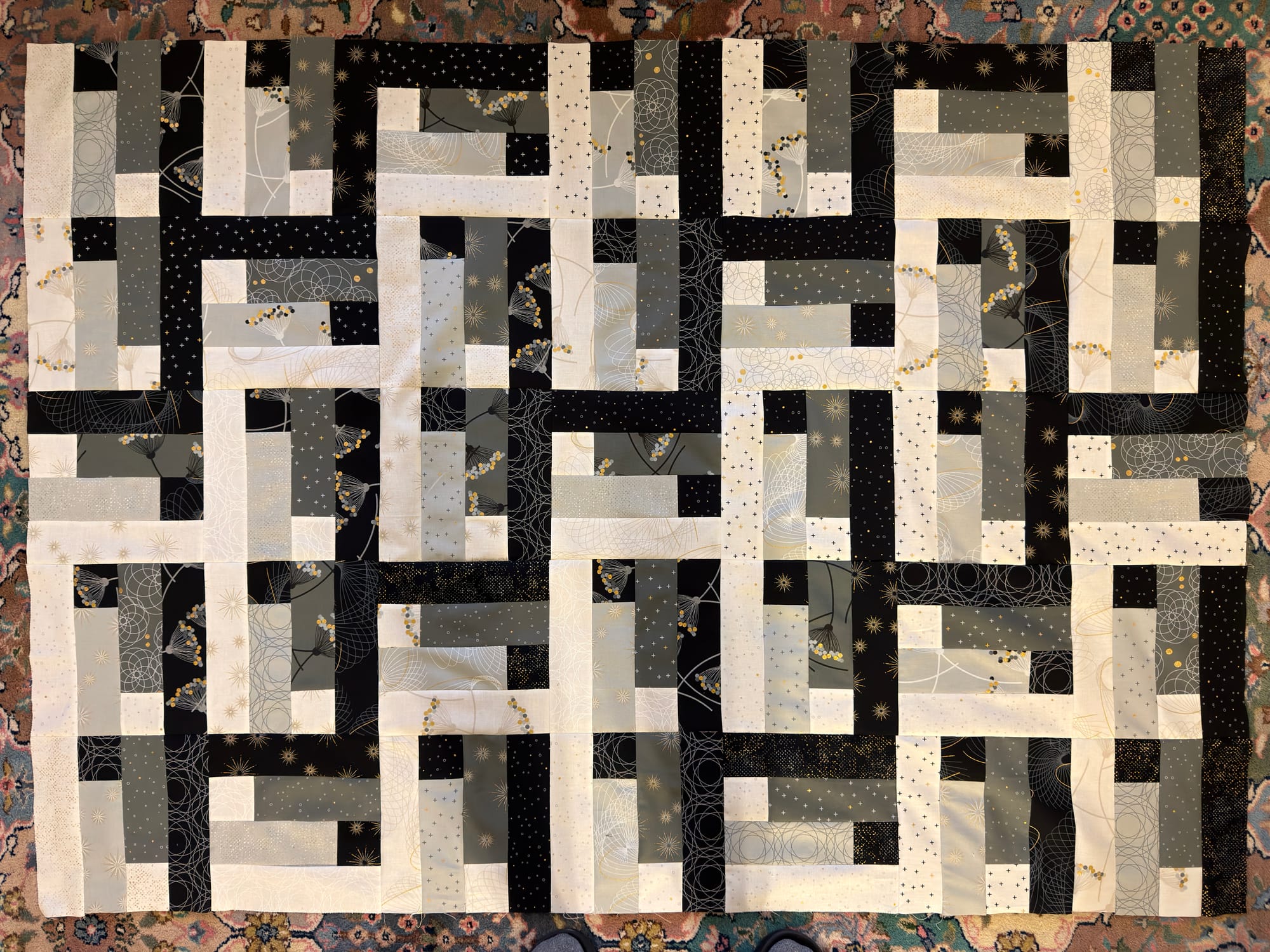
Quilt top done!
Made the quilt top! I also started working on pen plotter postcard sketch - not sure where I am going with it yet - but initial idea was with stitches:

Day-14
Clean up
I cleaned up old posts that had not ported over that well from wordpress and added some CSS to this site to fix some of the excerpts showing where they should not.
Day-15
Abstract Algebra, pen plotter sketch, banjo
I worked on some of the exercises and reading for an abstract algebra group I'm in. Ordered paper and planned my pen plotter prints for this year's postcard exchange. I've decided to go with a fork of this year's divergent boundaries sketch.
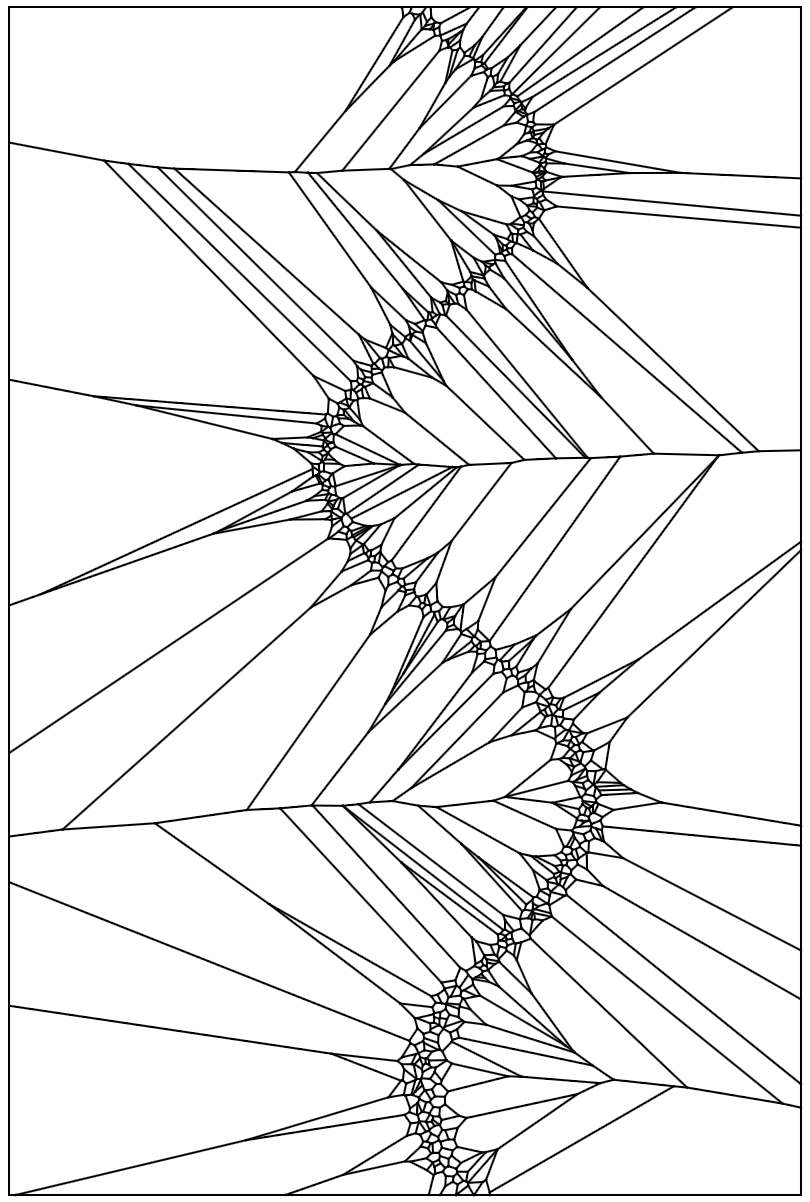
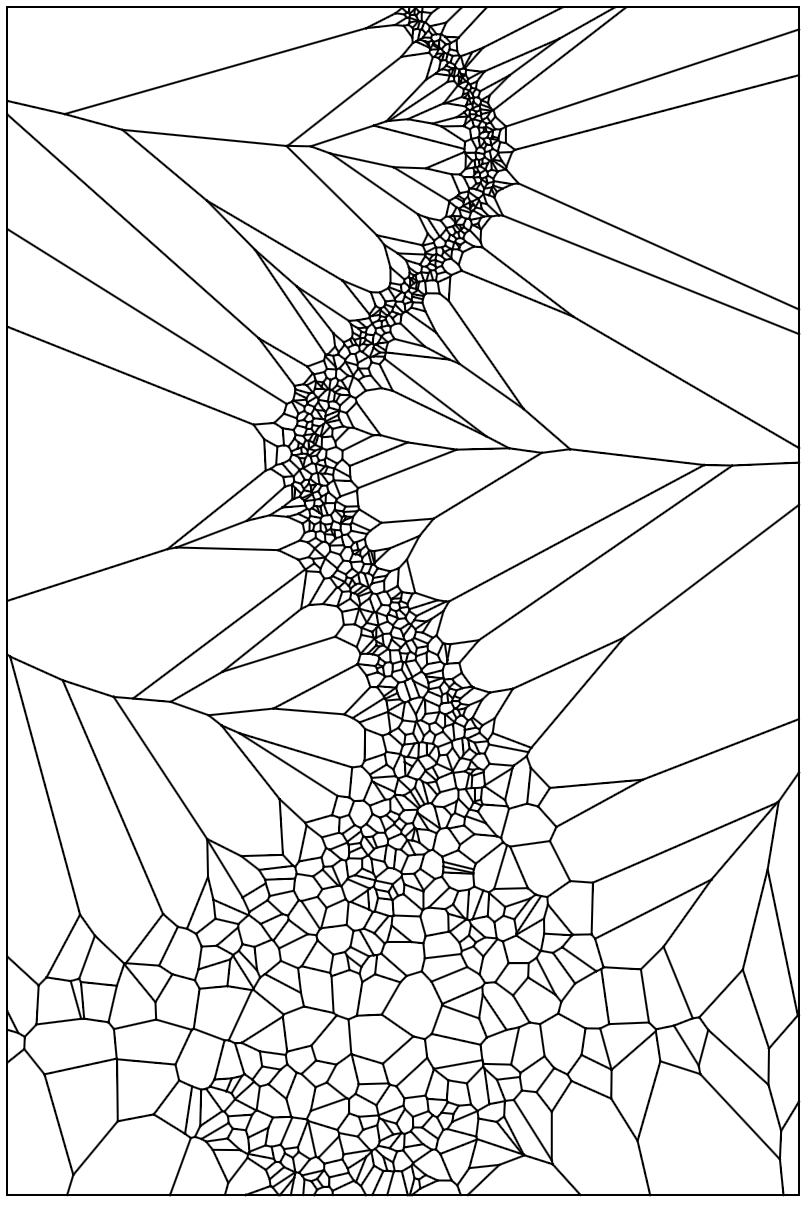
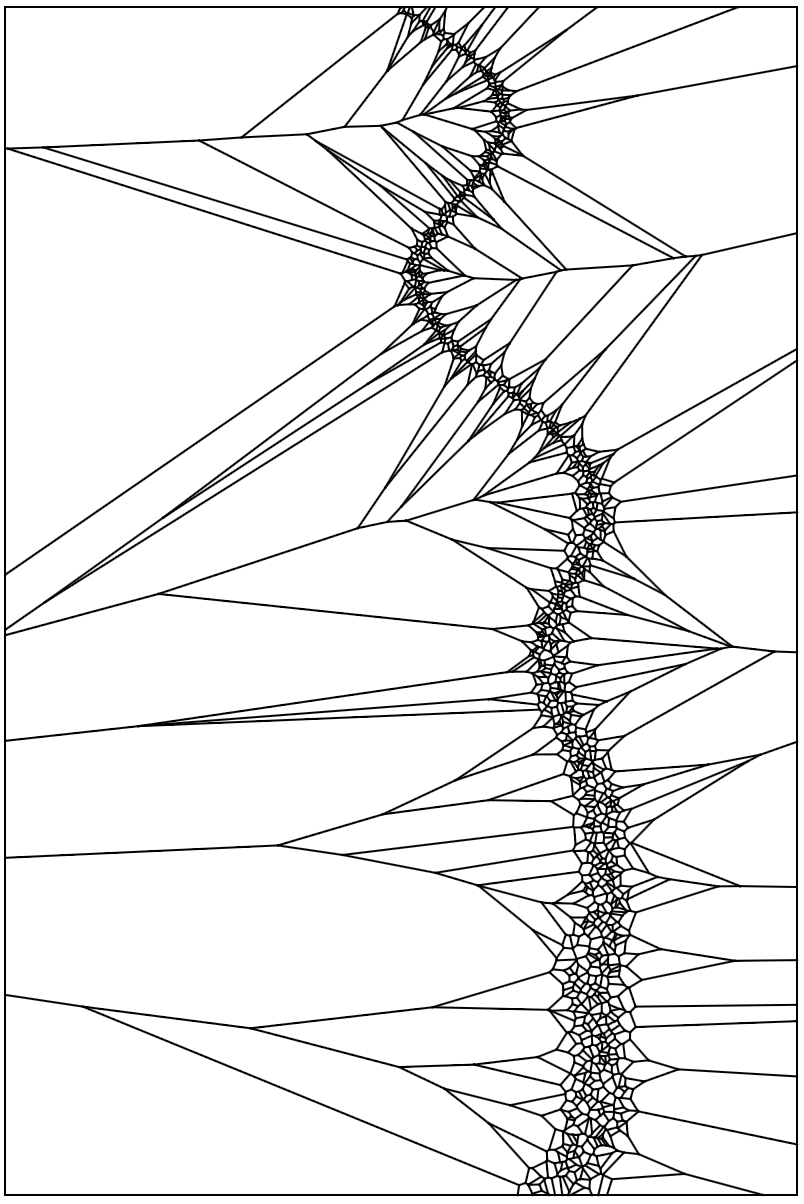
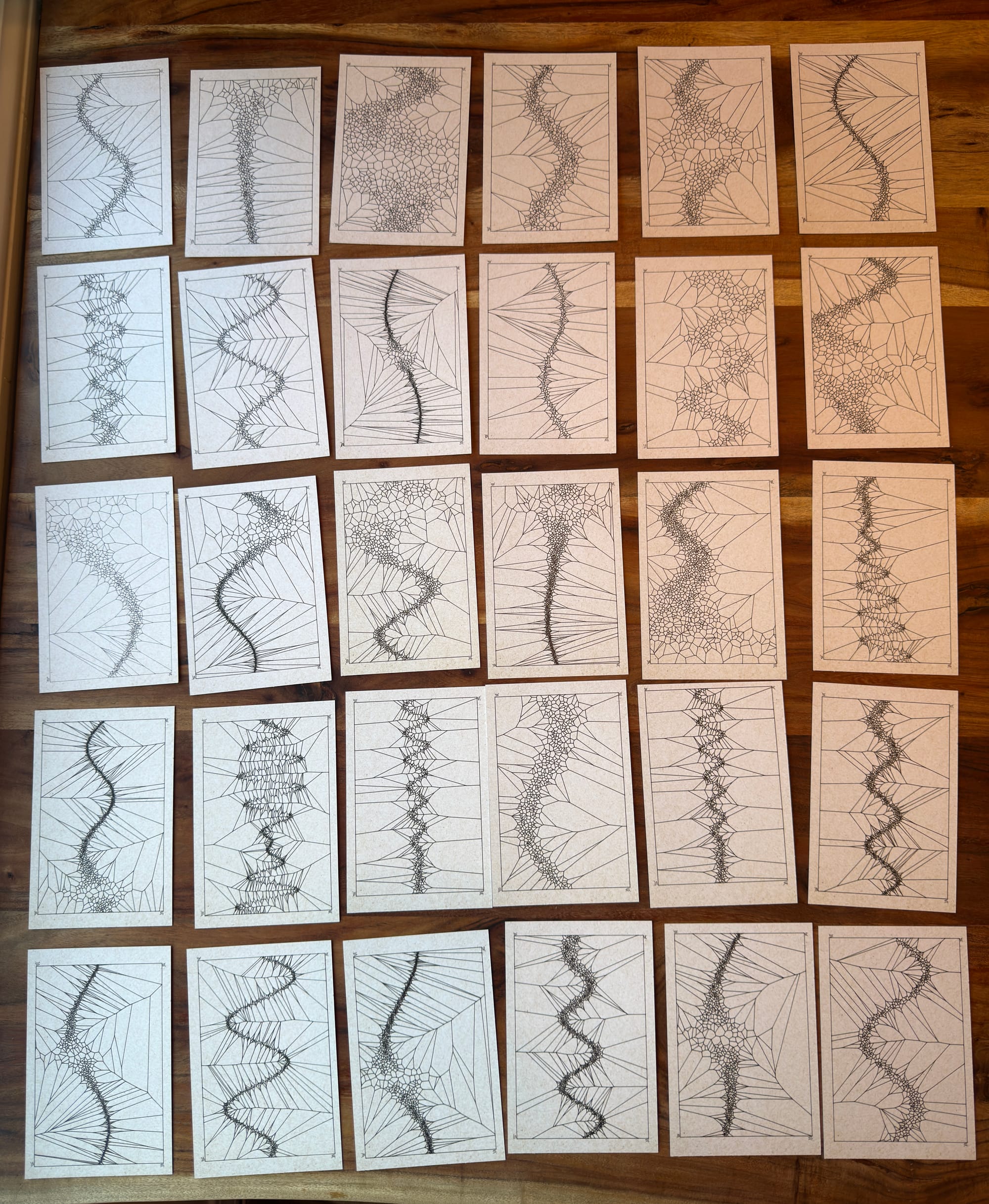
Three wavy curves drawn with Voronoi boundaries that are close together on the curve and break away to large shapes.
Day-16
Mixed evening
- Printing adapter for my Cricut to use micron pens for the plotter postcard exchange.
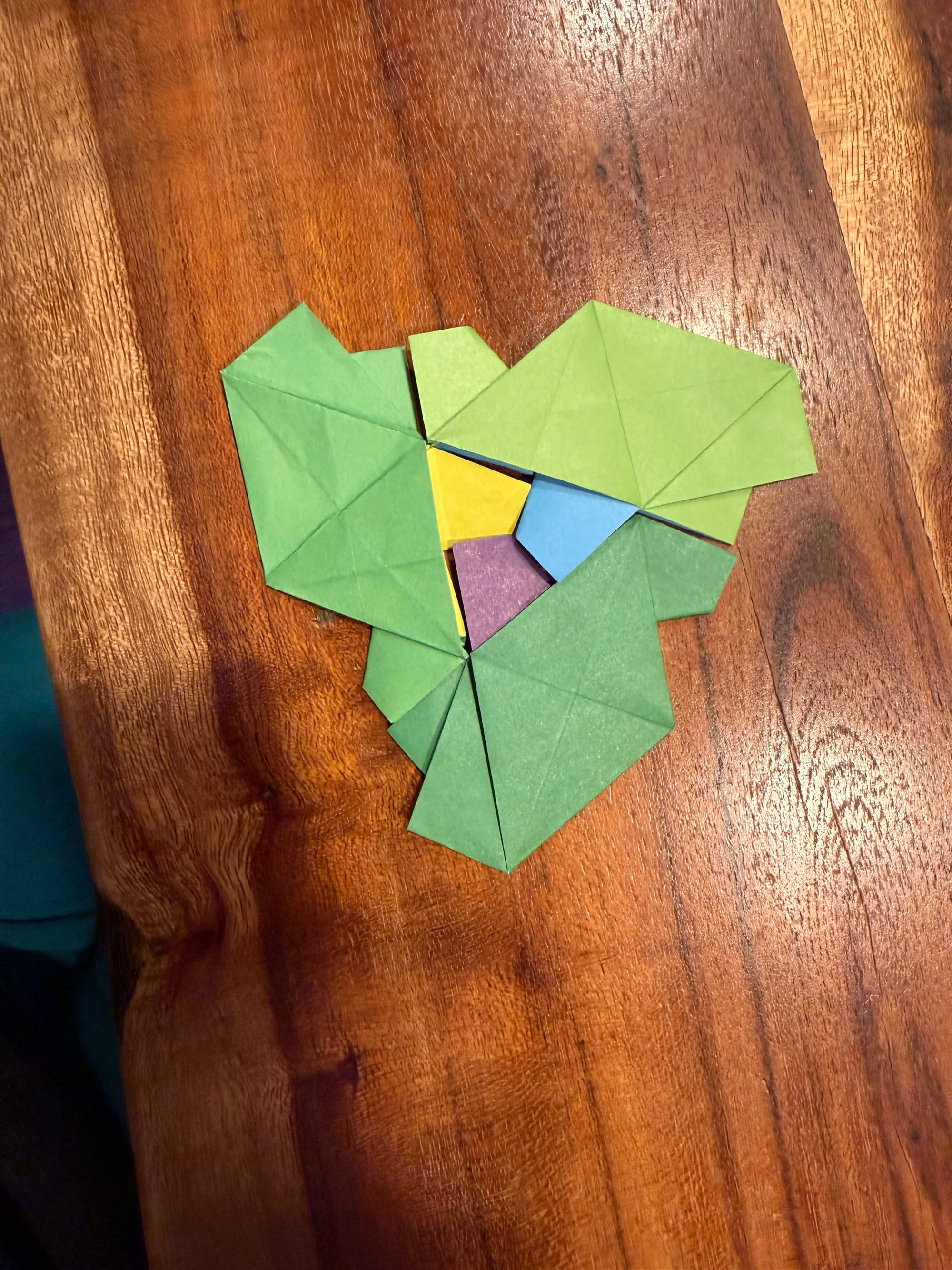
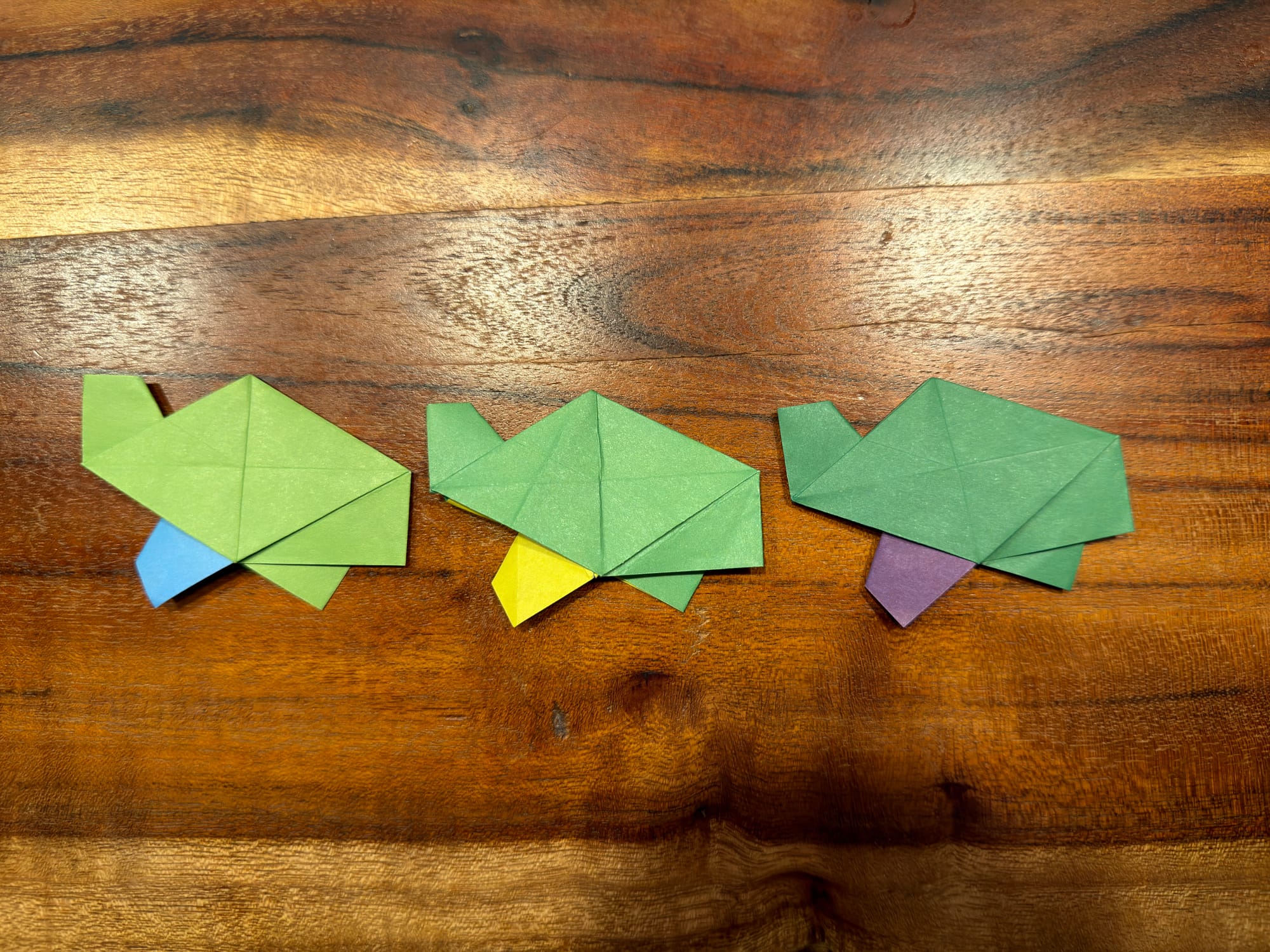
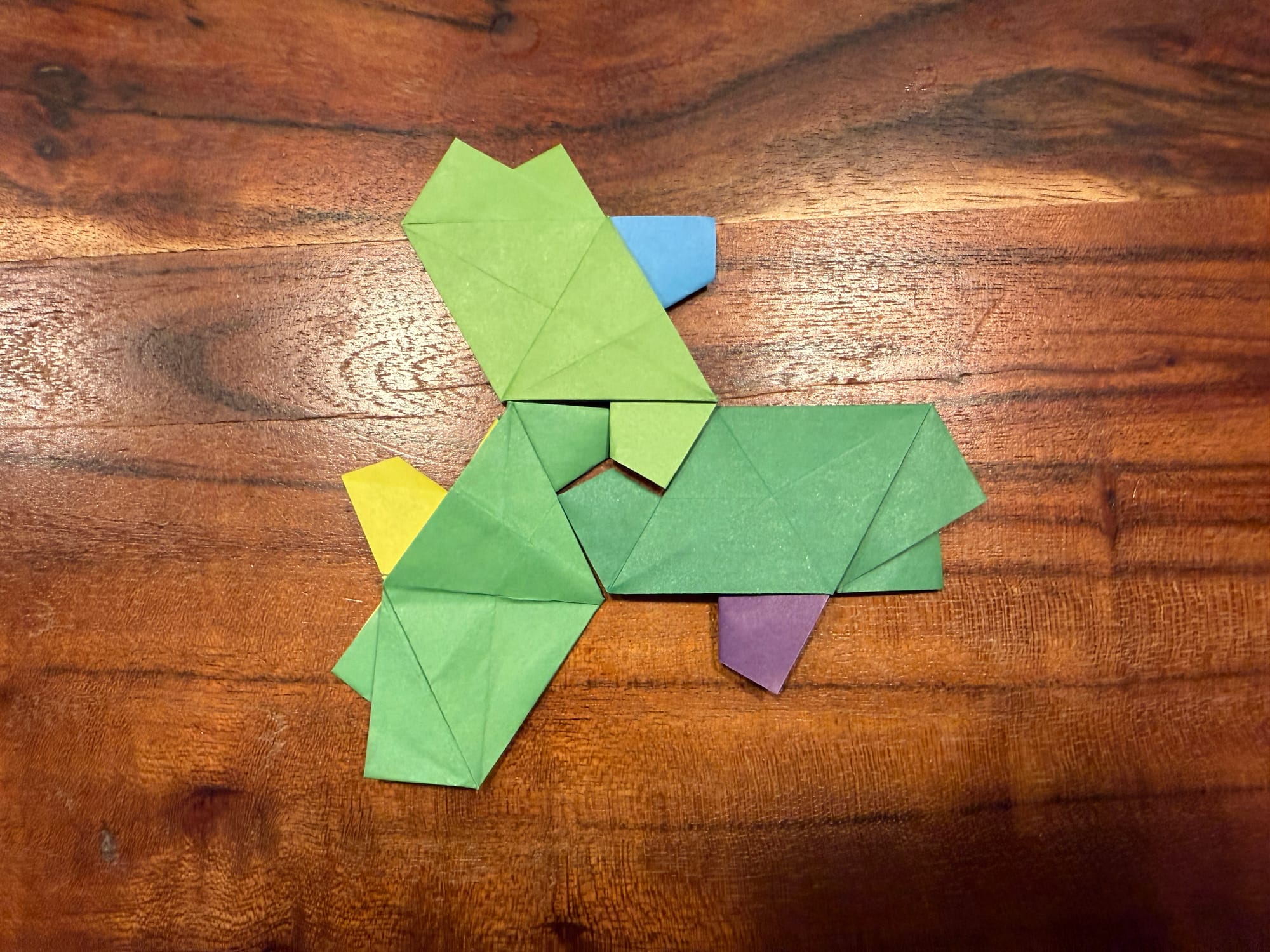
- Einstein Origami (Sy Chen) book came in! aperiodic turtles!
- I am contemplating using Obsidian, Joplin, or something homemade for next year's journal
- I went for a 5-mile purge my mind walk
- Started reading "How to Know a Person"
- Started working on what this year's website wrap up will be for the 2025 journal - I am thinking a zine.
Day-17
Plotting postcards
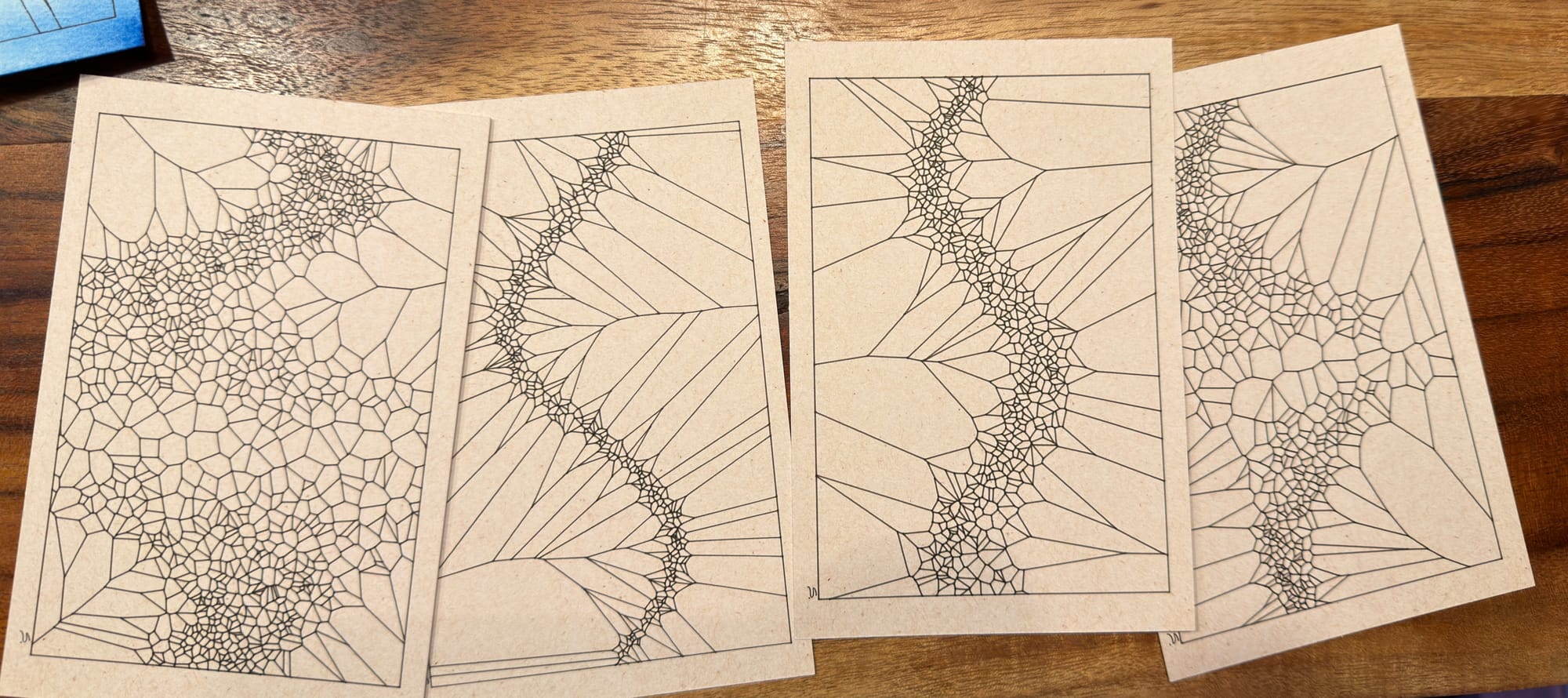
I folded another 6 origami turtles and started plotting postcards. The first three ruined my pen on watercolor paper, so I changed back to cardstock. I didn't like my wash effect with the sketch as much as without color.
Day-18
Plotting more postcards
I plotted another few postcards and continued to contemplate my organisation strategy for projects. I explored Joplin and Obsidian a bit, but am not sure how much I want to invest in time building vs. time creating. If you want to download a postcard svg - go here and press "s" to save or spacebar to change it. (also below)
Day-19
Finished the postcards
More postcards. Making a hugo site for haiku journaling.
Day-18
Day-20
Finished and shipped postcards
Finished printing postcards and continued making hugo site. I also continued thinking about summary stuff for the 2025 journal.
Day-21
2025 summary
I summarized my solstice-to-solstice year. 212 species of birds, 2,263 km on foot, 4 days without seeing a crow, 272 sunrises I was aware of,...
Somewhat settled on thoughts for the next journal and tested out the implementation.
Day-22
New journal
I started a light version of my next journal with Hugo at banjomagpi.com. I am playing with how I want it to look and feel. I also still logged my birds in numbers today - and will continue to do so until I don't.
I ran over to the quilt shop to grab backing for the quilt, but they were closed.
Day-23
and day 24 and 25: Journal, birding for the journal
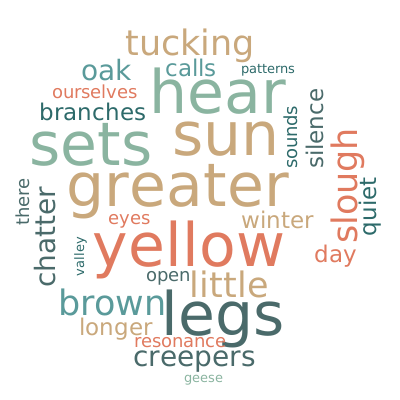
Got a word cloud working in d3.js, then decided I don't need JS, and now it uses Python to make an SVG.
So my journal now does this: Enter data in a numbers file (on phone, iPad, Mac). Run Python to update Hugo files (distance, birds, and notes are done as YAML, and haikus are separate markdown posts.)
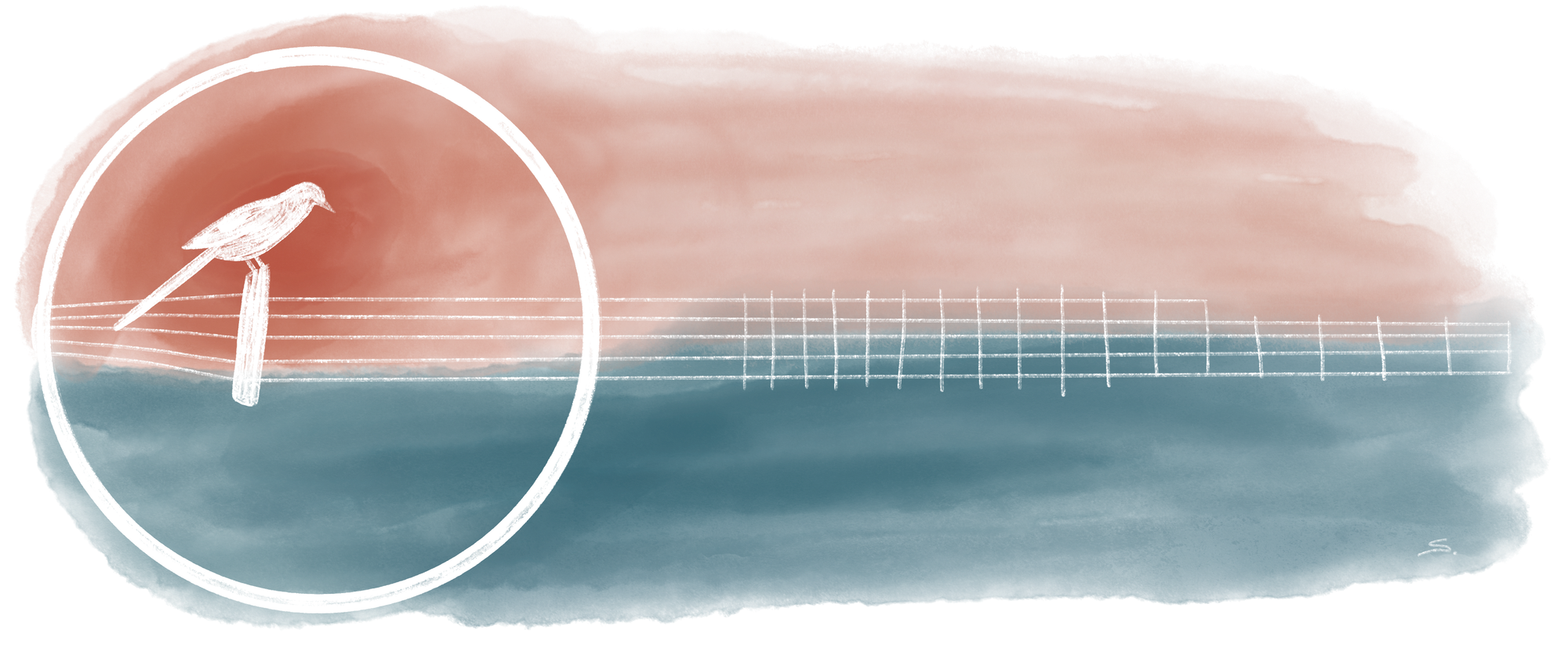
Next, I am drawing my icon and homepage image.

I also doodle an image for it:
Day-26
Code doodle
Played with p5 for the Birb's Nest weekly prompt - "factory."

Day-27
String art
Picked up backing fabric for the quilt - it might be shown in February's Salem quilt show.
Worked on string art tools for mathy tools for learning on my svelte site. Ended up making a second one with a multiplier to play with two different ways of thinking about the petals.
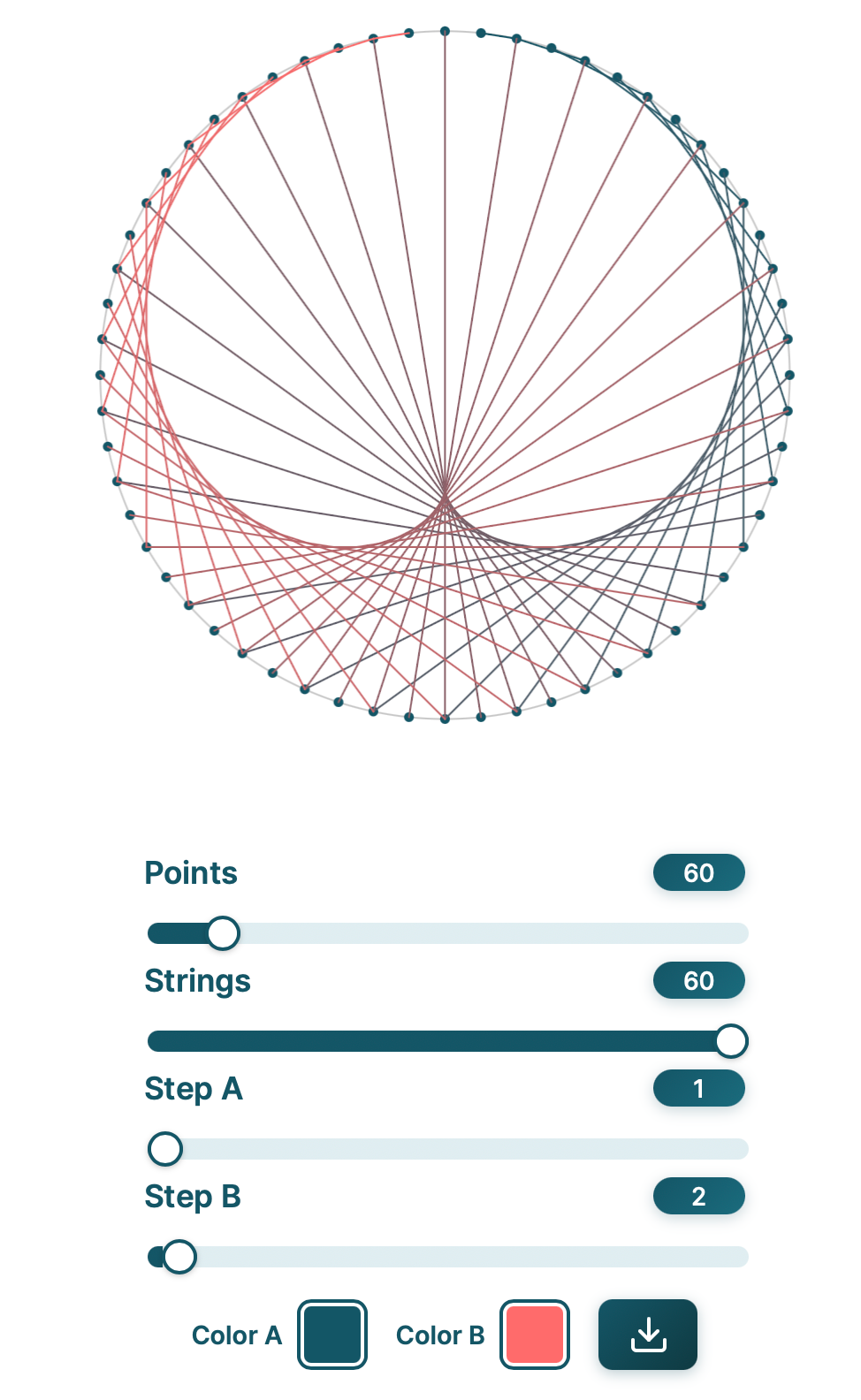
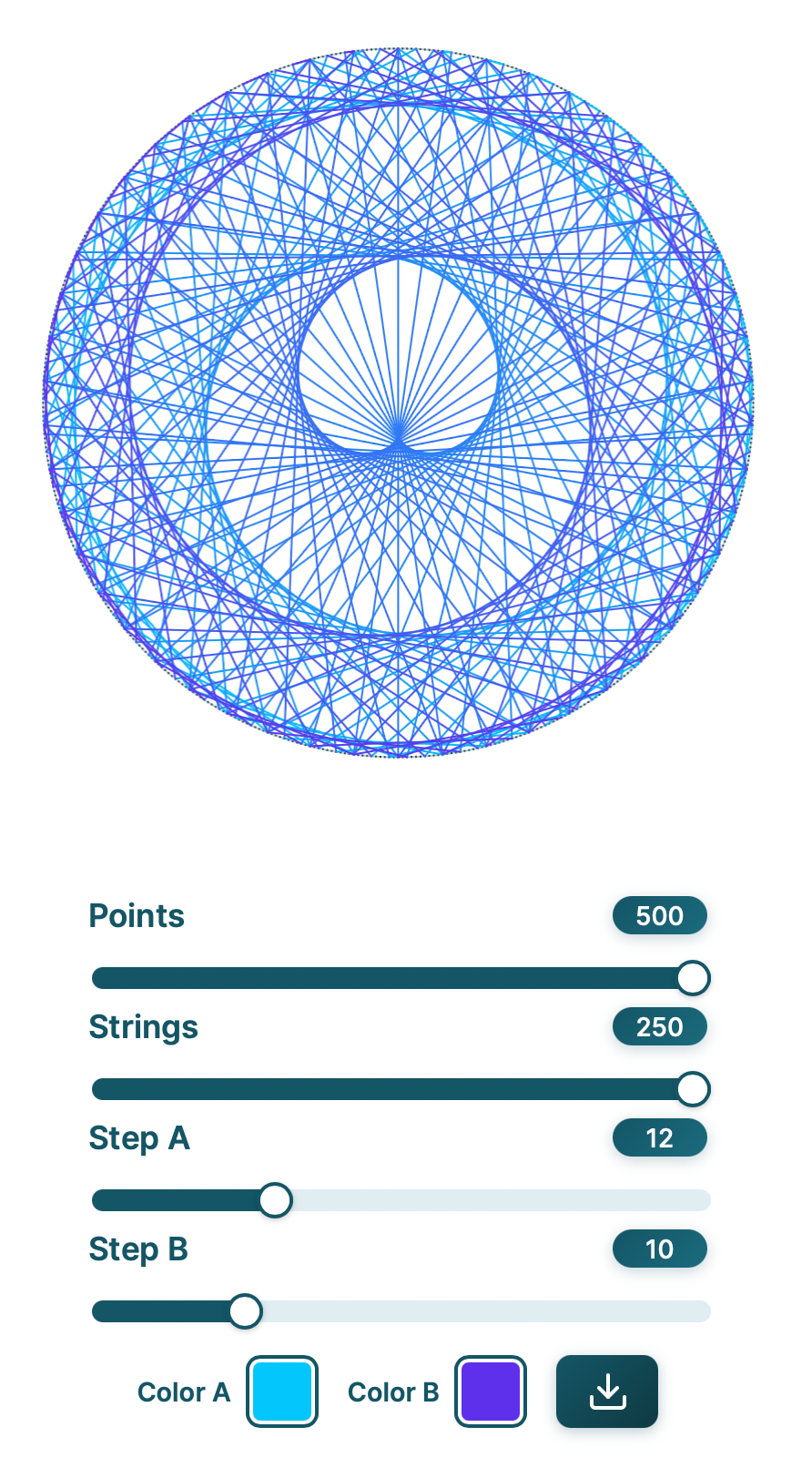
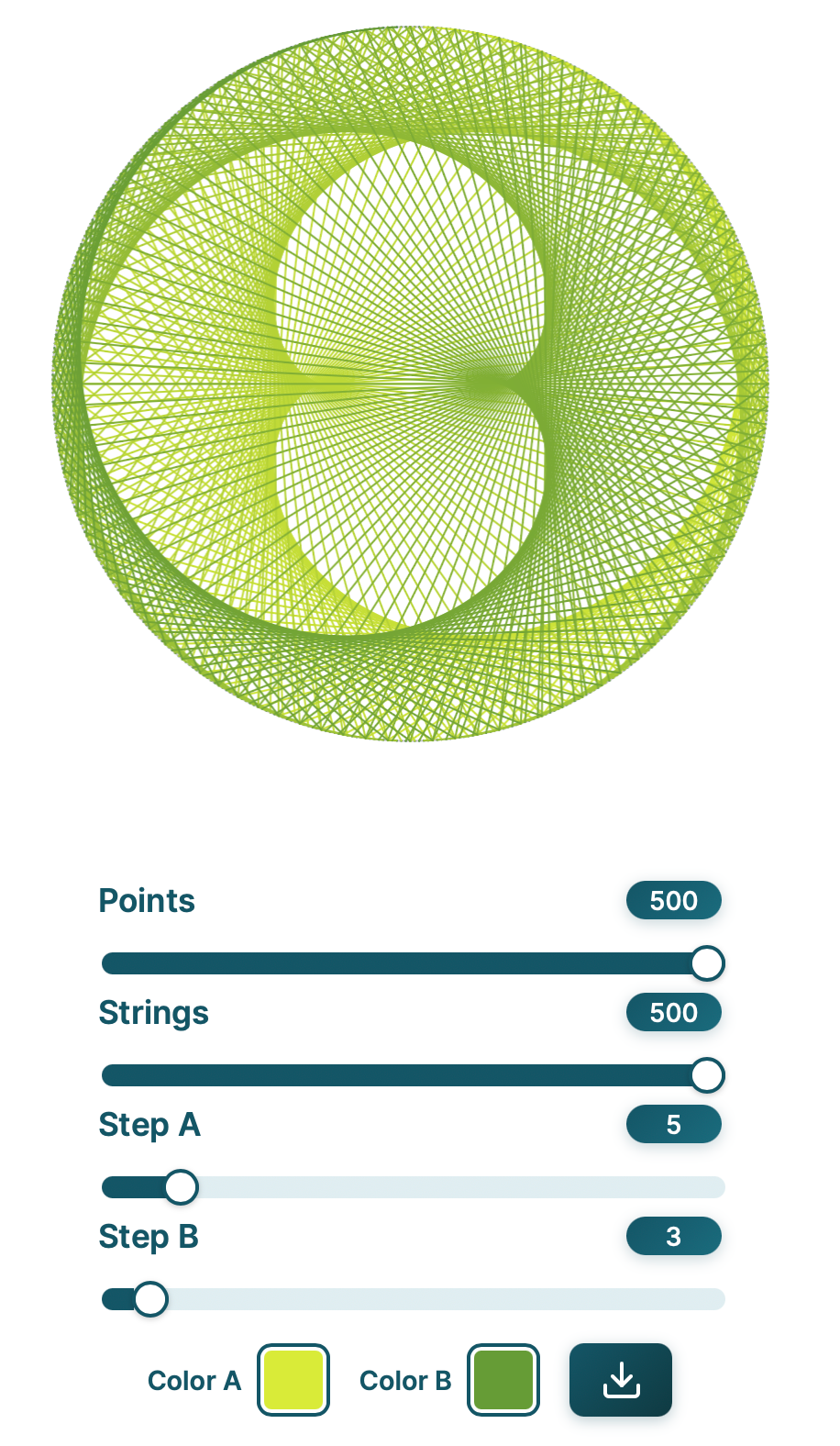
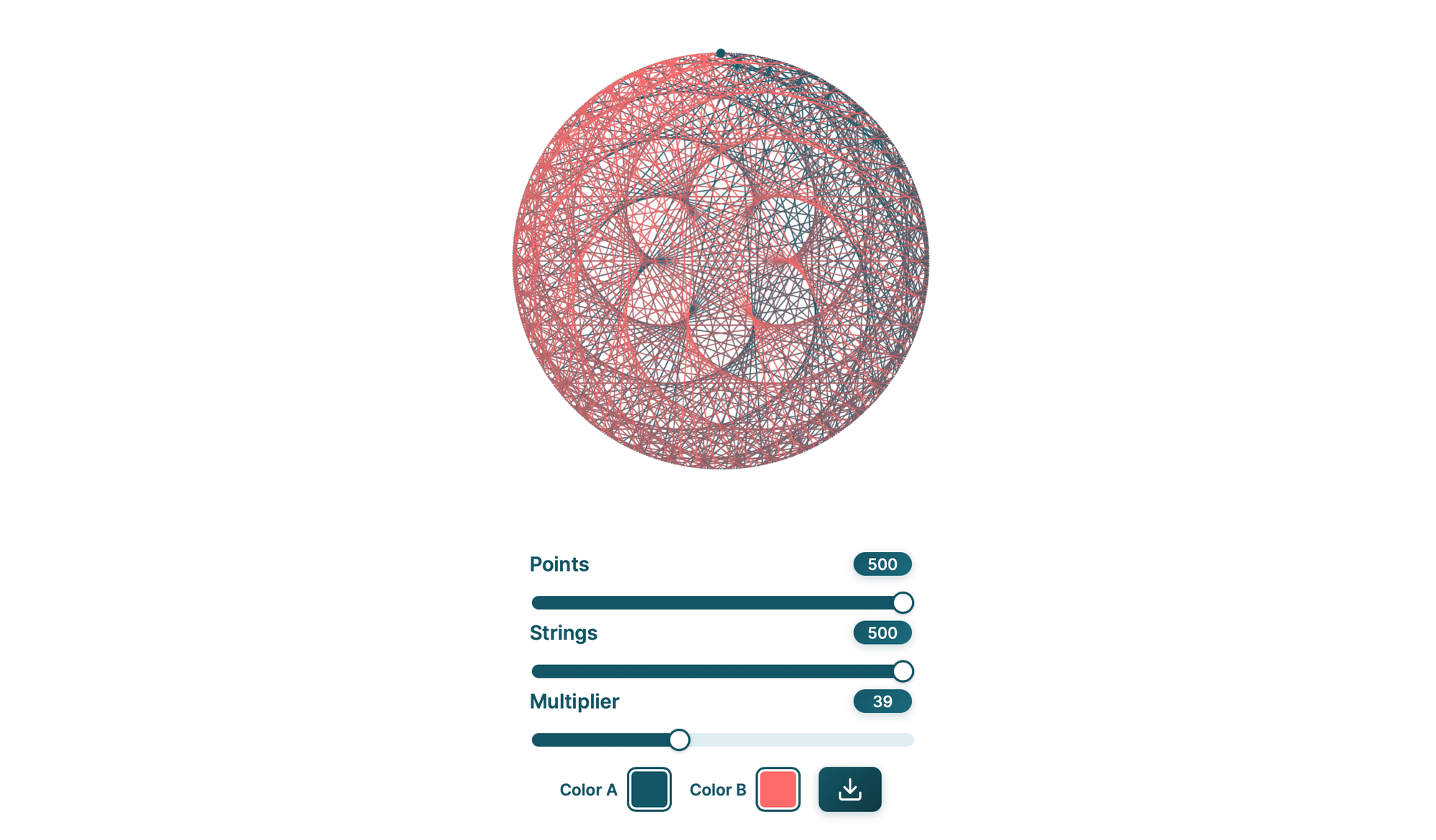
Day 28 to 30
String art post
Finished making a post for Beautiful Chords today with some extra tools. It would be really easy to keep going and make a Monte Carlo for random chords, rotations of connected shapes, moire strings, and shadow art with strings.