There is(Ǝ) – Such that (∋)
Let me tell you about a language. But if you wish to go play instead go here. It's going to get a little abstract below.
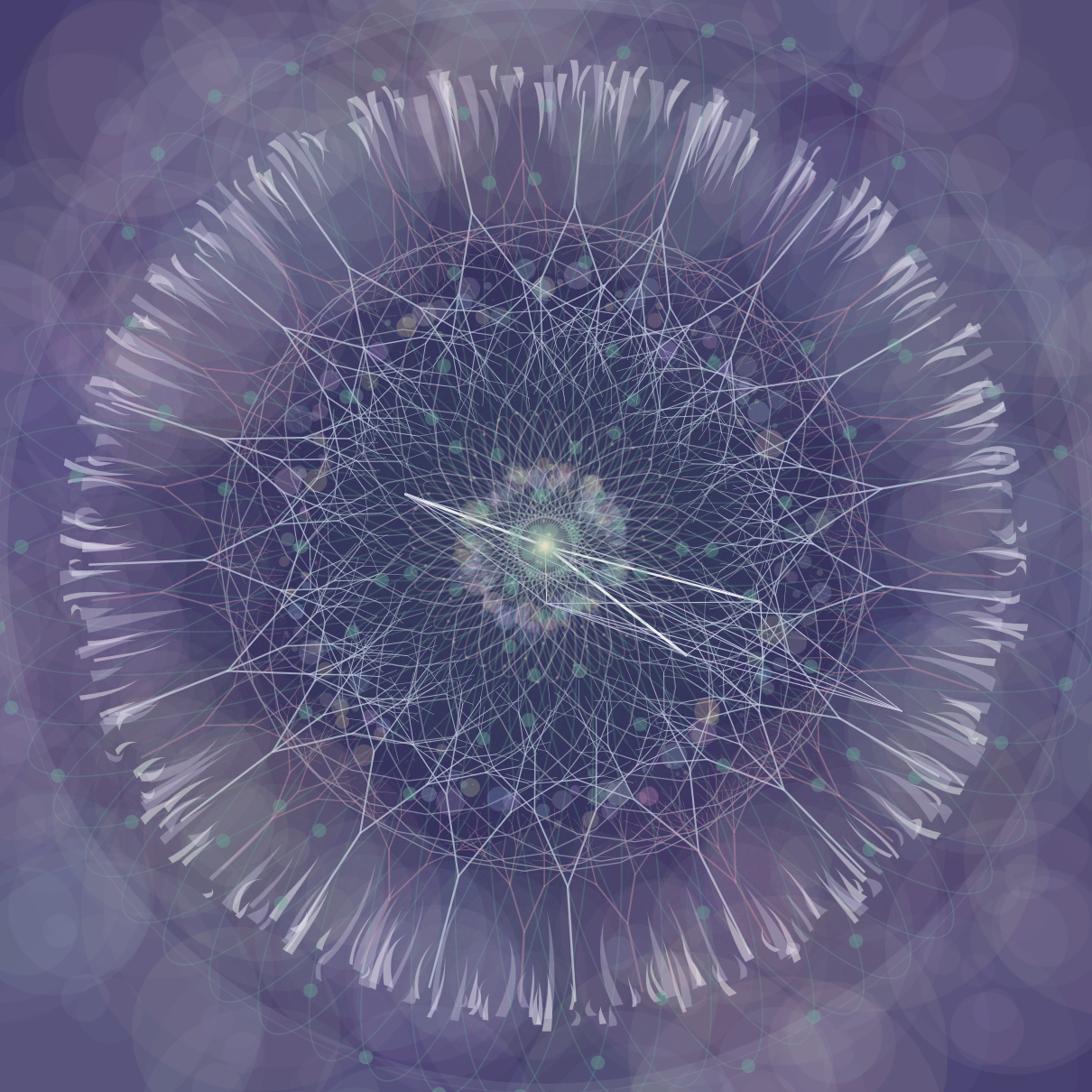
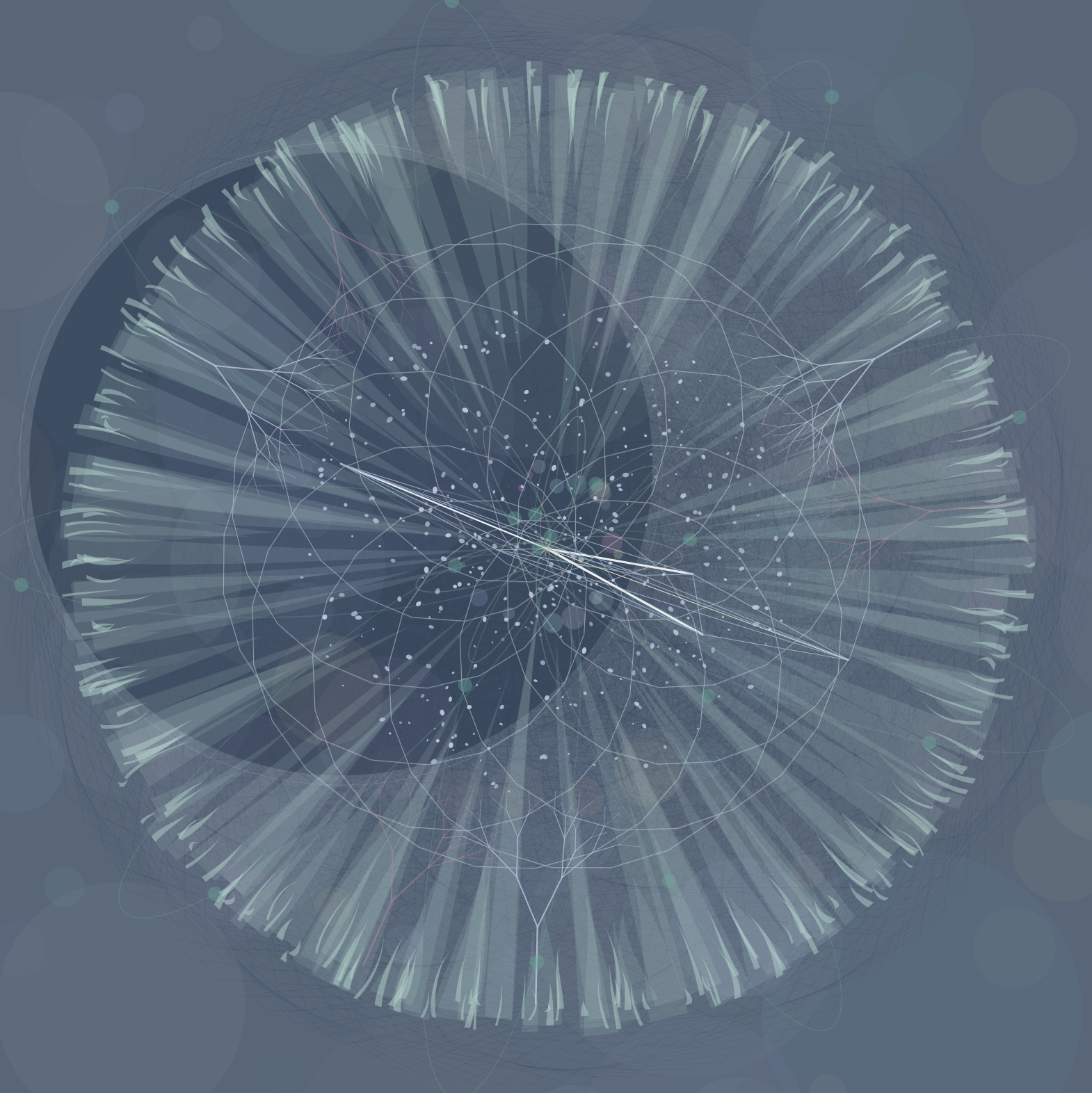
There is a Canvas to Compose Upon
The canvas is a square with the largest circle that has a radius of ρ.
There are Vectors of Time
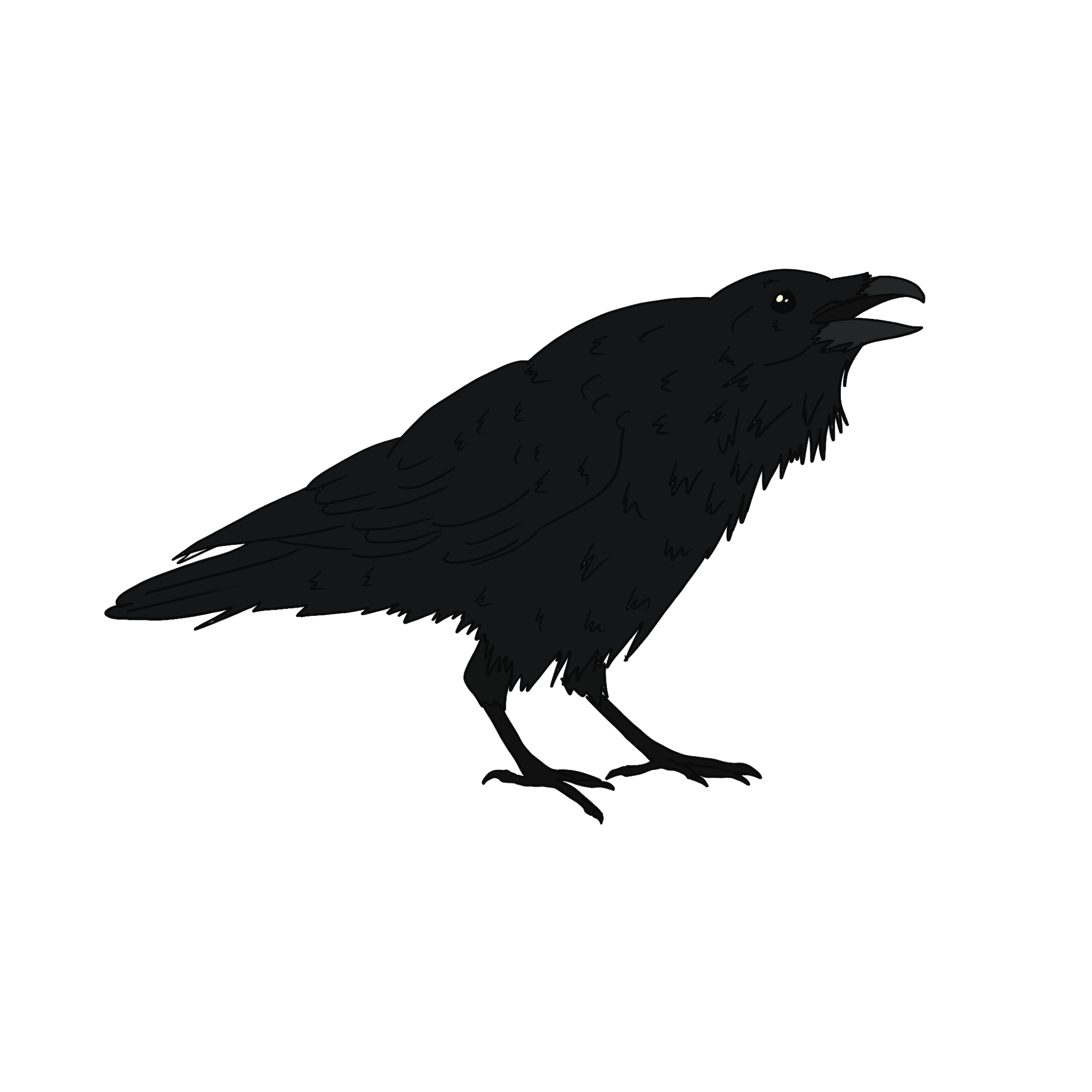
Ǝ a raven ∋ the vector of hours.
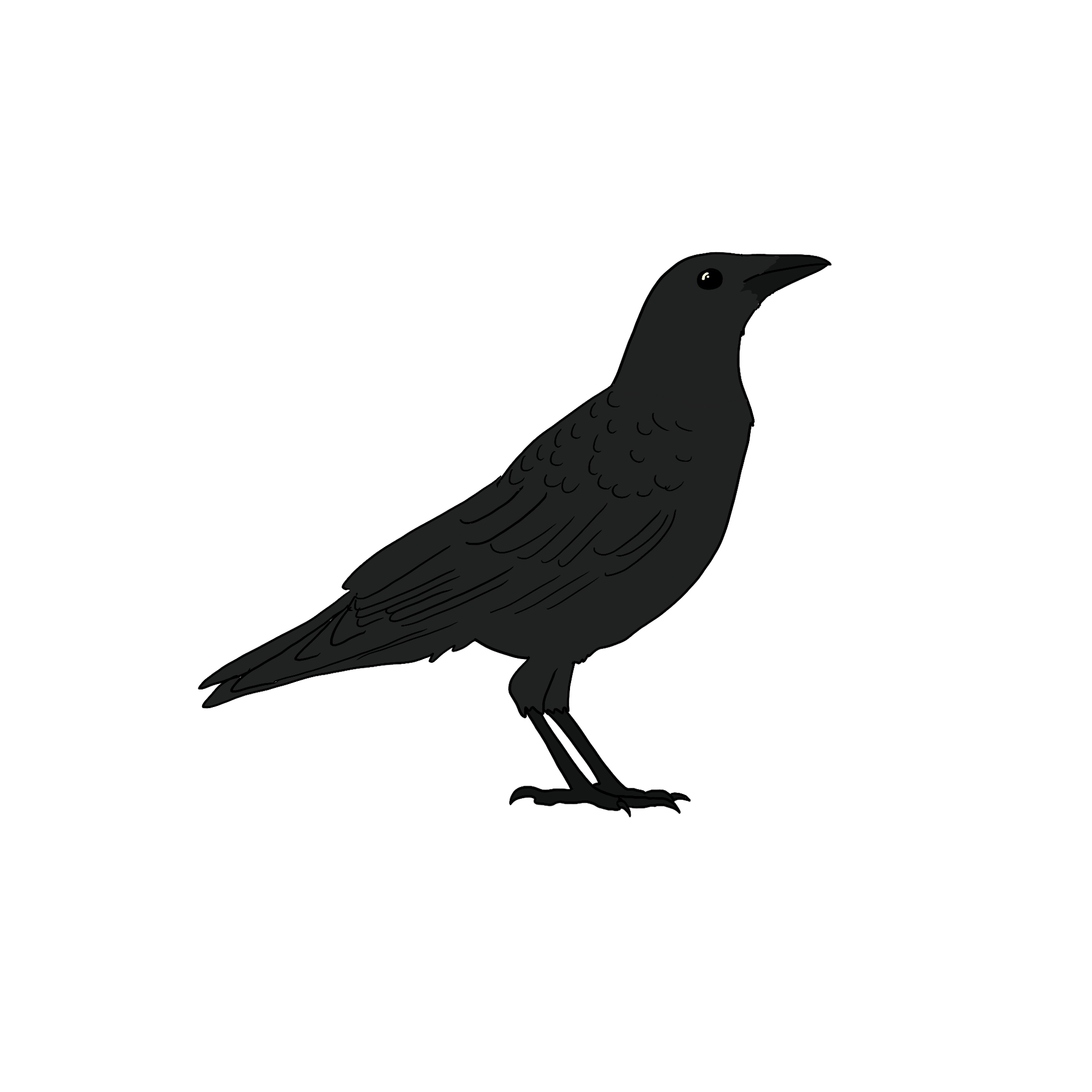
Ǝ a crow ∋ the vector of minutes.
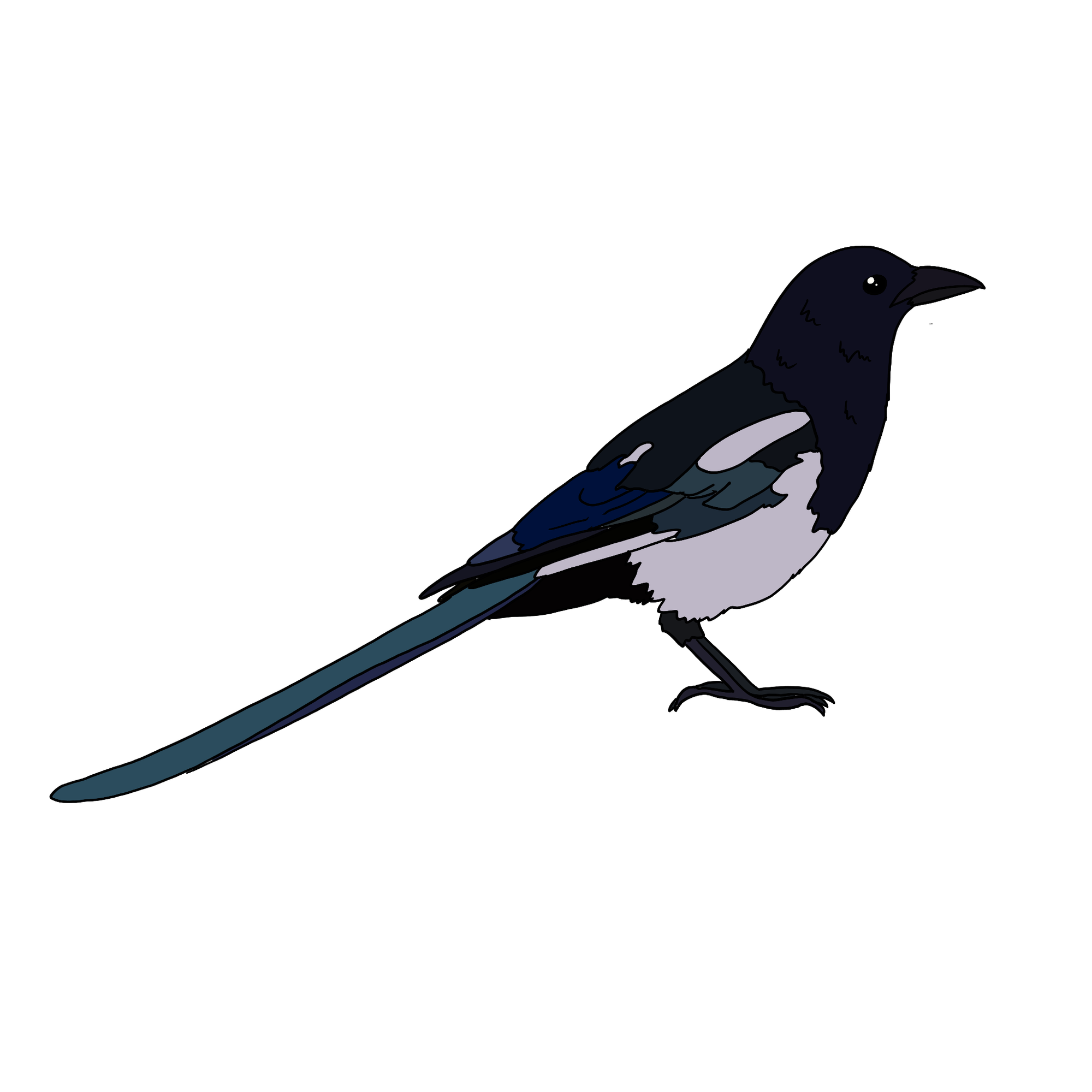
Ǝ a mag-pi ∋ the vector of seconds.
Ǝ an origin ∋ a vector of zero.
The Vectors can form:
Scalars
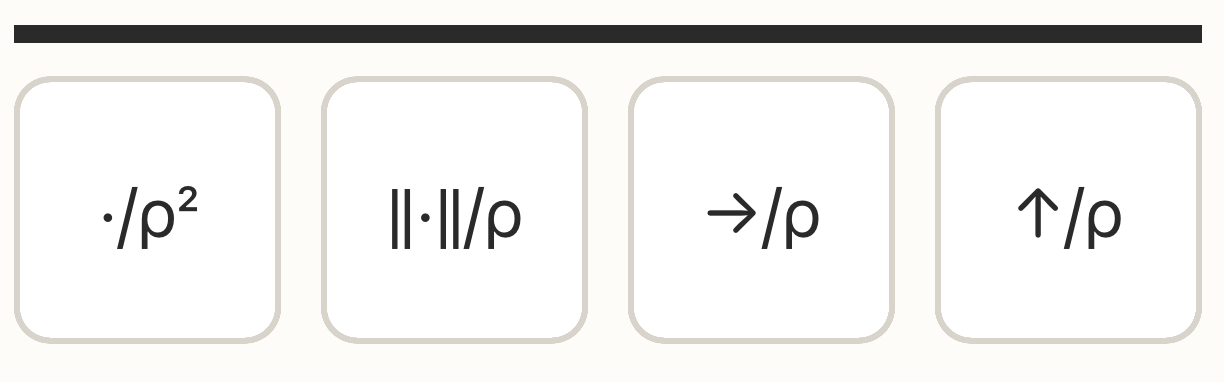
Where the vectors become a single number.
- ./ρ² – the normalized dot product of two vectors
- ||˙||/ρ – the normalized magnitude
- →/ρ – the normalized horizontal component
- ↑/ρ – the normalized vertical component
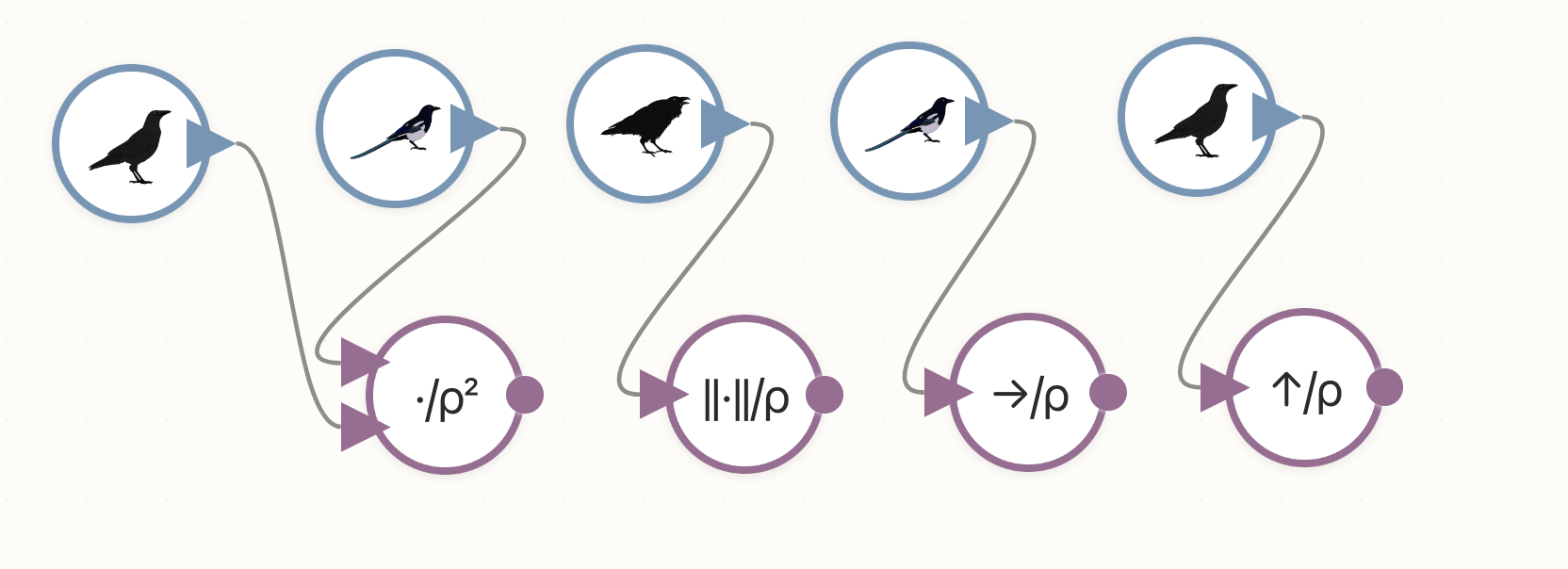
(All scalars are normalized by ρ (the canvas radius) )
And once you have scalars, they can form new scalars too: sum, subtract, multiply, divide.
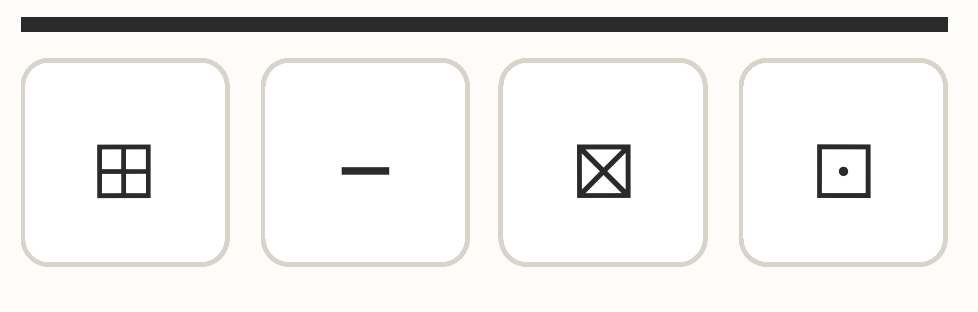
- ⊞ Add
- − Subtract
- ⊠ Multiply
- ⊡ Divide
Modified Vectors
Vectors can be added, subtracted, rotated and multiplied
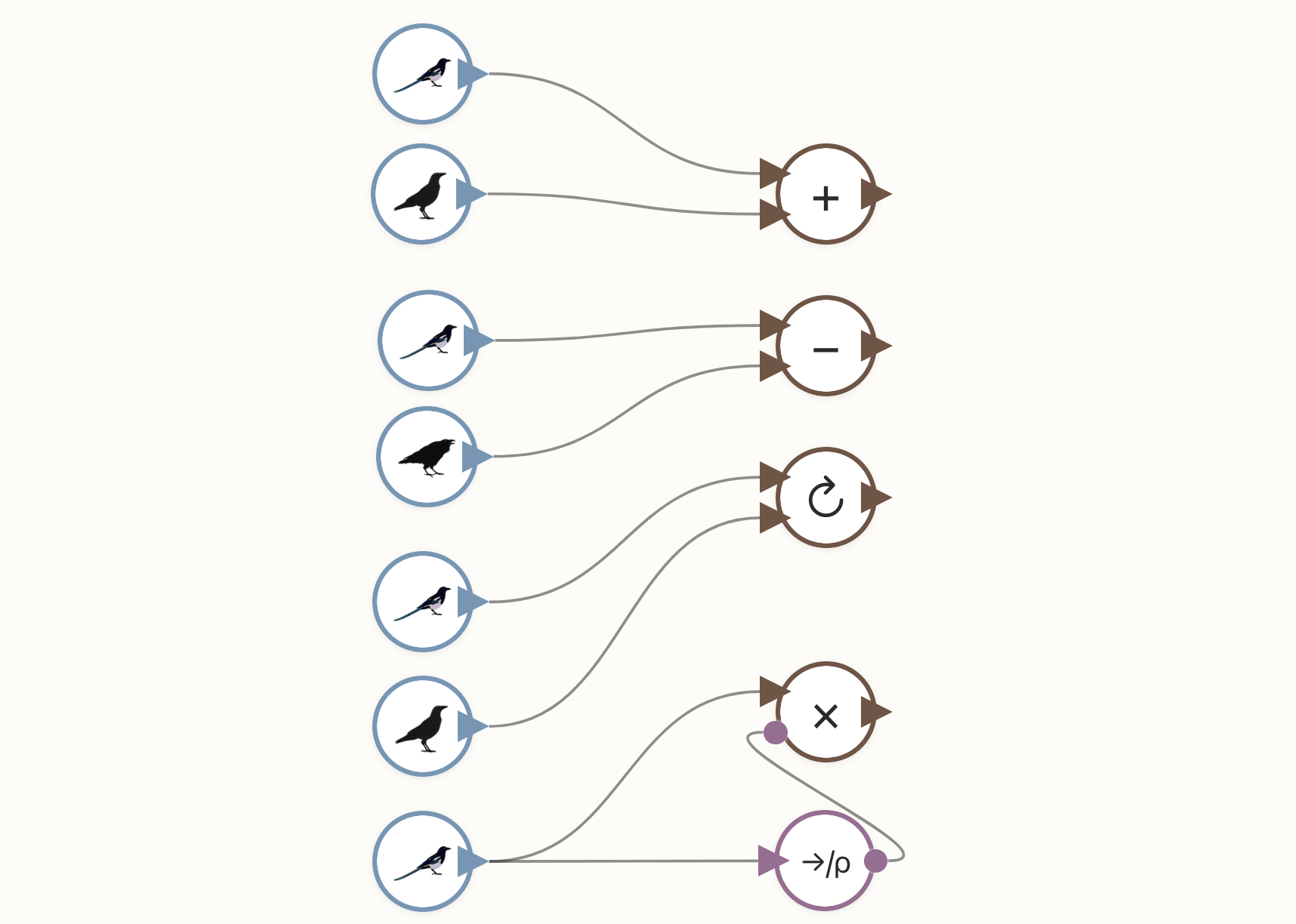
Vectors and Modified vectors have a horizontal and vertical component just like a point or location.
Glyphs
Make things visible. They take in vectors and output to the canvas. The moon, sun, and star are at the vector's coordinates and the line connects two vectors.
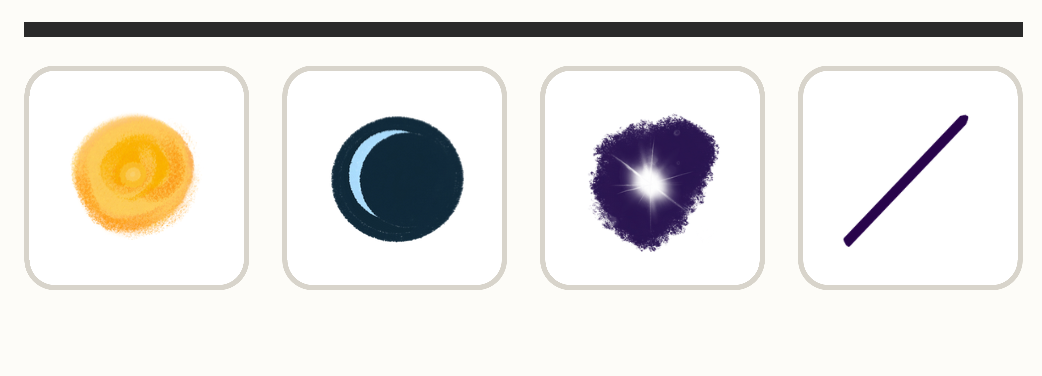
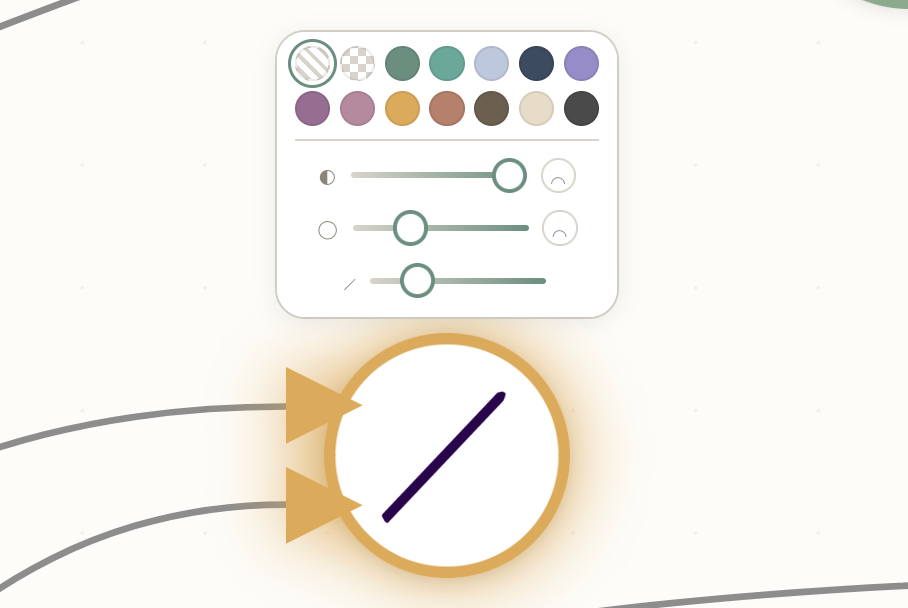
Each glyph can be tuned.
Habitats
Add composition and can take vector inputs.
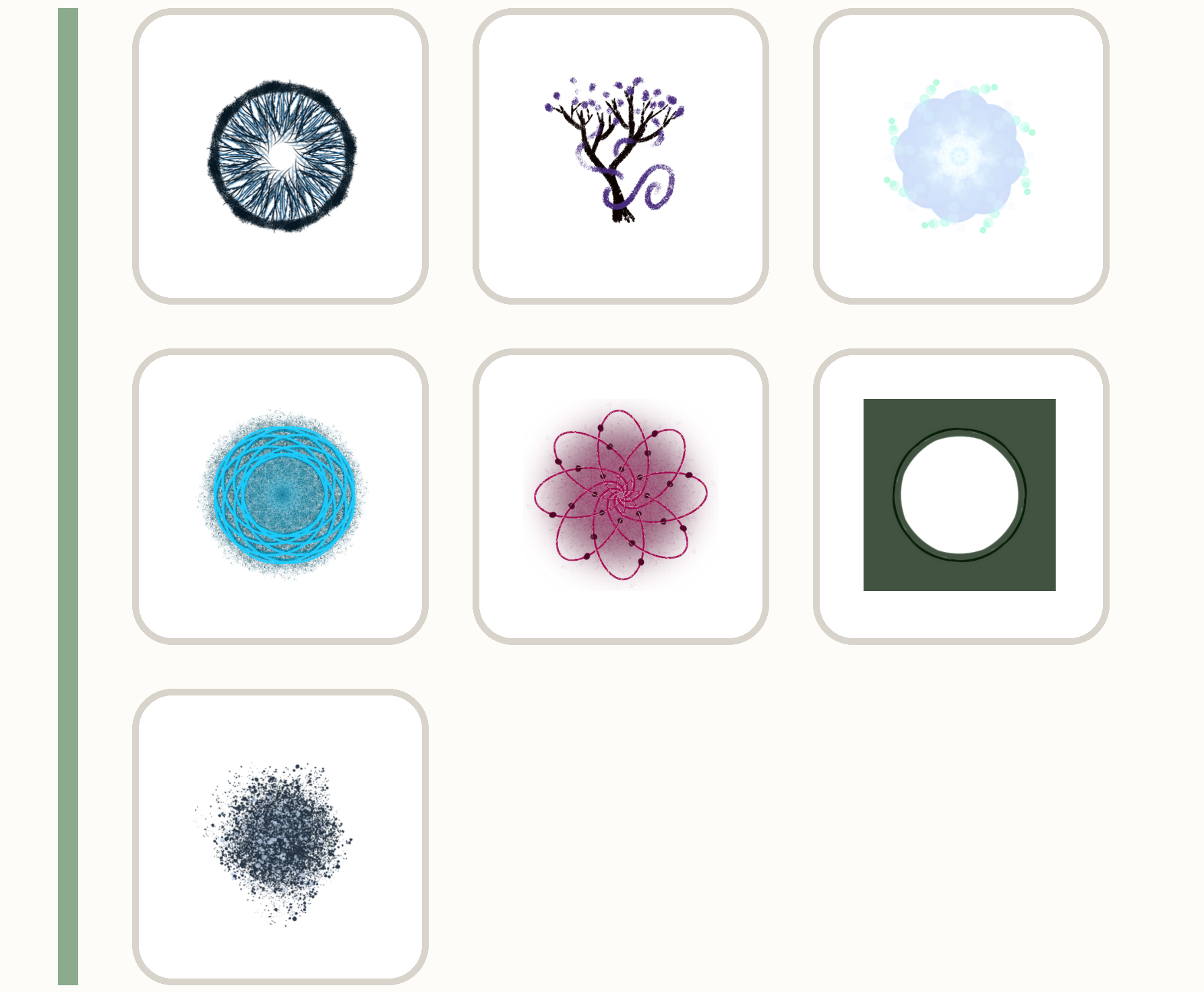
Habitats paint the canvas — not just a point.
- grass
- trees
- a nebula
- a meta-trace
- an egg
- a focus (a porthole)
- moss
Vector inputs will change how they move just a little bit.
Tuning ◍
Parameters can change how the whole composition breathes.
- cycles per day — how many times the clock wraps in 24 hours
- hours per cycle — the base for the raven's loop
- default breath depth and speed — the resting rhythm everything inherits
- default stroke weights for lines and shapes
- a theme — ambiance, mono, contrast, cividis, tri, botanical
- a backdrop color, a default line color, a default shape color
- frame rate
Composition
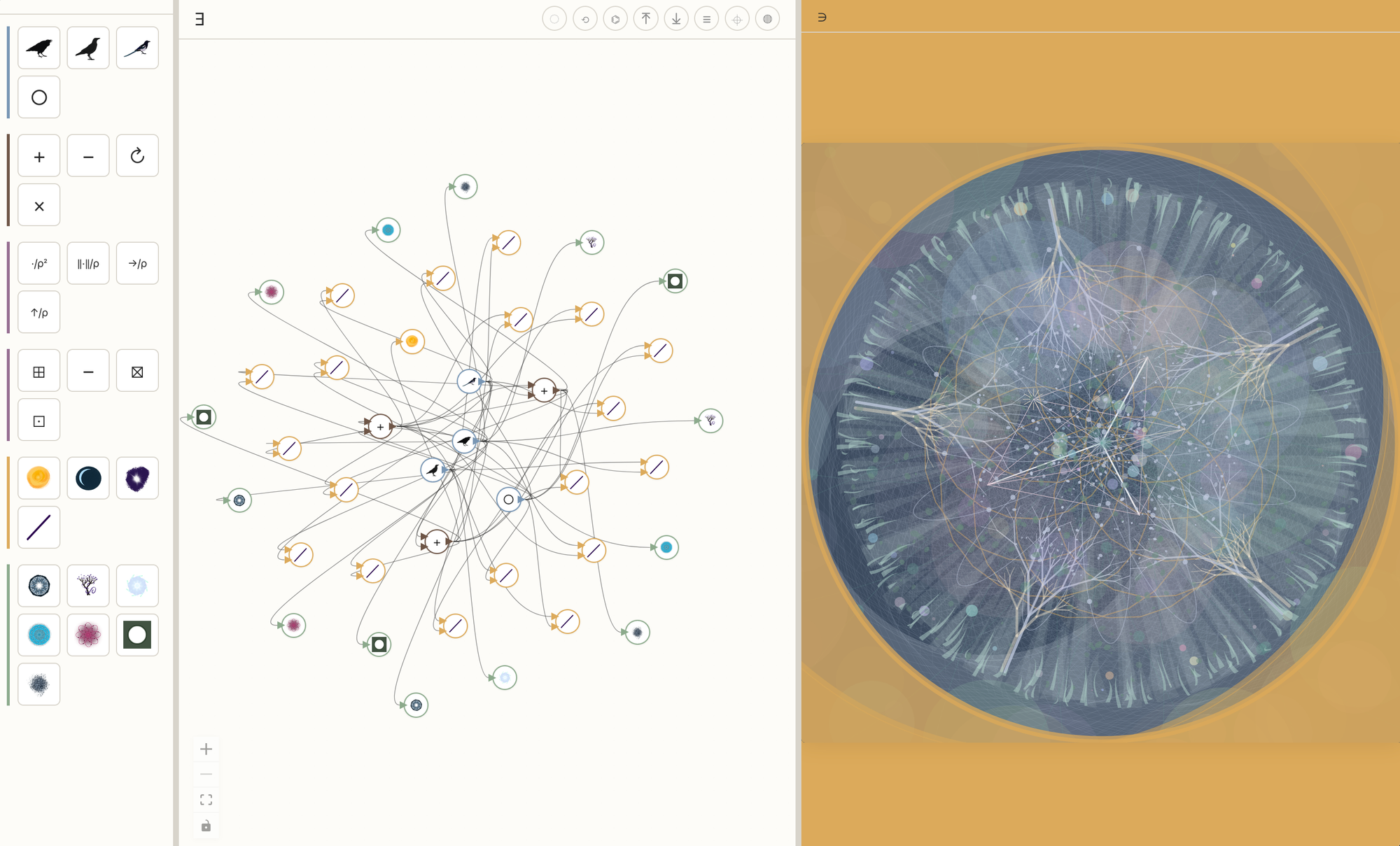
Compose a clock using all of the types of pieces and connecting them.
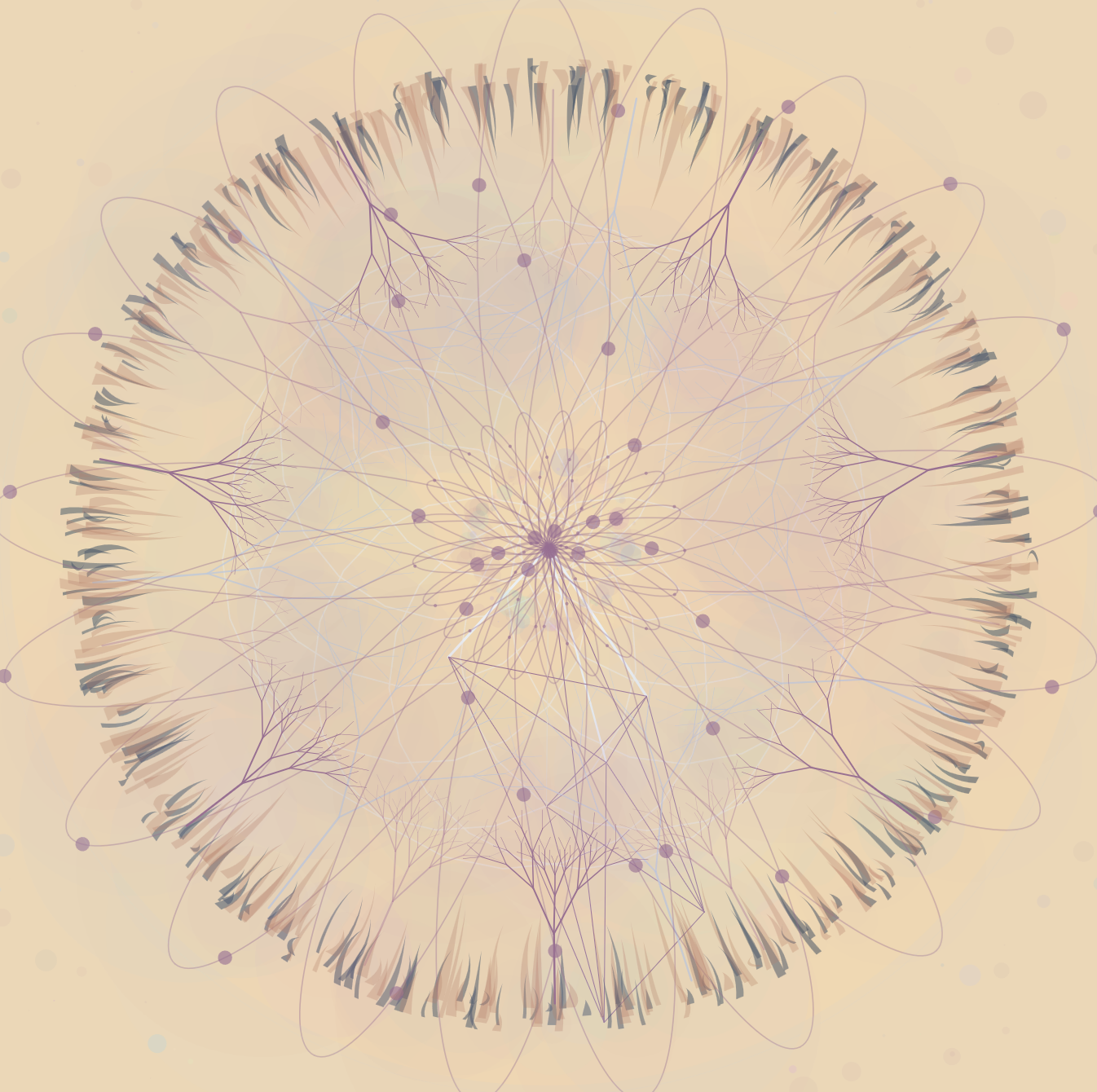
Go to https://te-st.ing and make a clock for yourself, then export it to save.
How?
I am currently in a 6-week batch at the Recurse Center. I wanted to make a language that produced clocks for "Impossible Day." After drafting a prototype, I refined the idea a little and made a second prototype.
It starts with types
There are vectors, modified vectors, scalars, scalar modifiers, glyphs, and habitats.
the shape
There some main components to the tool:
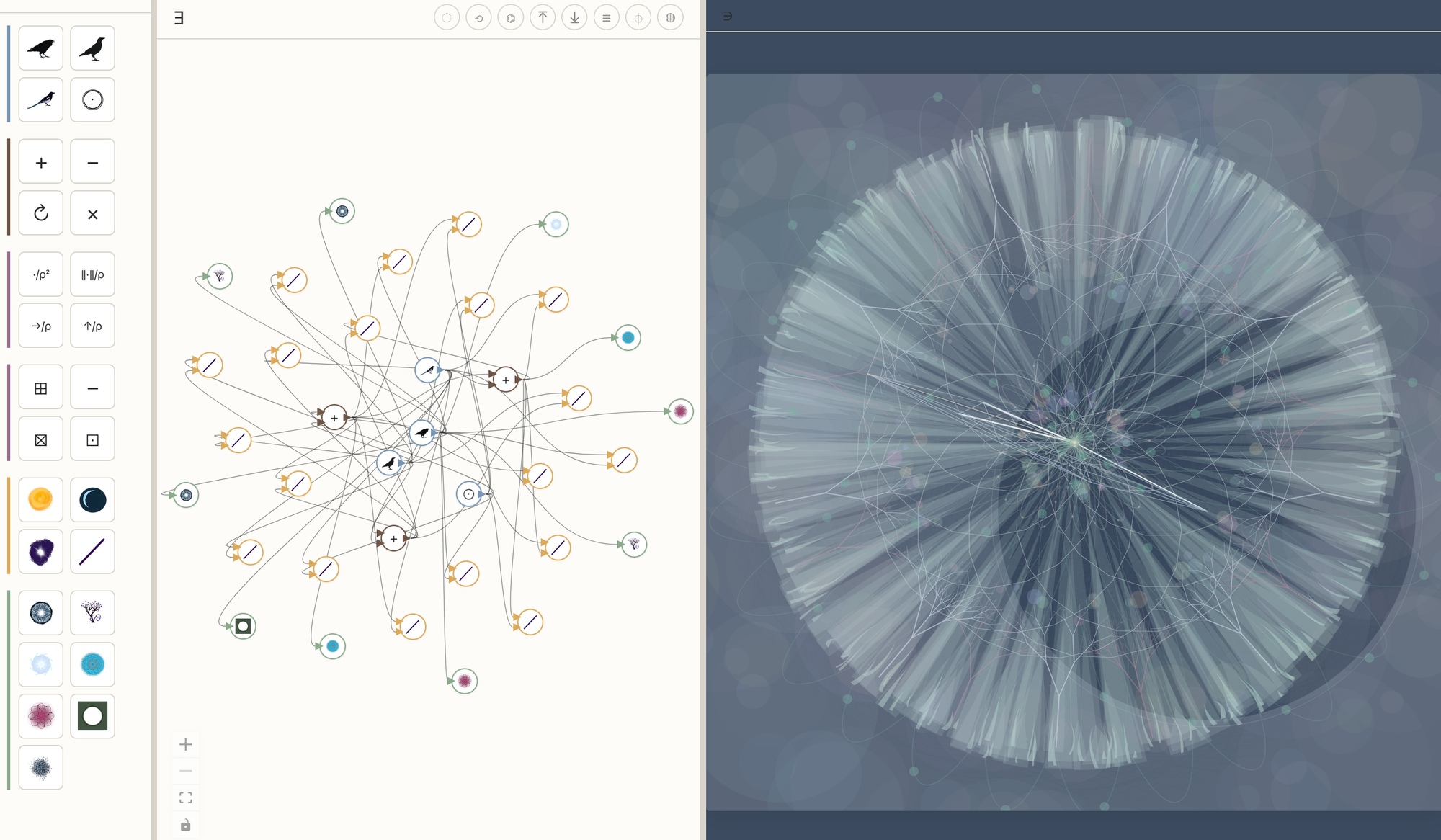
- A Loom holds the composition — nodes, arrows, and globals.
- Types are represented as nodes.
- You can bring a node from the palette to the Loom.
- Nodes can connect with arrows.
- A Weave compiles the composition into a p5 sketch inside a preview iframe.
- Every change in the Loom re-weaves the clock in the preview
- Each Clock can be downloaded as a standalone HTML file.
the pieces
- Svelte 5 — runes, snippets, event attributes.
- TypeScript with
svelte-checkand ESLint. - Vite for dev and build.
- Svelte Flow for the node-graph (Loom)
- p5.js for the rendered clock on the canvas
- Inline into the exported HTML so the file is self-contained — open it offline, drop it on a slash page (maybe /clock would be nice on a blog - hint hint)
localStoragefor autosave, undo history, positions, and some preferences.
Everything in your browser.
choices
The editor is wordless (mostly) Sigils on the buttons, hand-drawn icons on the nodes, minimal clutter. Only the header actions keep their labels. Tool tips are toggled on and off (after feedback from IndieWeb meet)
The clock is procedural The nodes in the palette and the on-canvas node bodies use symbols or hand-drawn PNGs. But the exported clock paints everything from p5 primitives with randomness.
One source of truth for time. A dayFraction function in the woven sketch returns where we are in the day, and every bird's angle derives from it. Change cyclesPerDay or hoursPerCycle and the clock re-paces.
Debug mode is visual Toggle ⌖ and the debug mode turns on. A slider appears that scrubs through the whole day. Selected nodes highlight in this mode.
Canvas The empty-canvas has some example clocks after some feedback from the IndieWeb. Layers panel is drafted, but still getting worked.
the names
The header sigils Ǝ and ∋ read as there exists / such that — the editing side and the rendering side. The "Loom" holds the threads; the "Weave" turns them into something you can see ( ∋ such that).